La Crosse Technology, Ltd. Page 2
Good name brand batteries make less noise, which reduces the chance of RF
(radio frequency) interference from the battery compartment. A minimum
voltage of 1.48V for each battery is necessary for proper performance.
Clock Factory Restart
1. Remove batteries and Micro USB cord from the clock.
2. Press one of the buttons on the clock at least 20 times to clear all memory.
Verify that the clock is blank before proceeding.
3. Let the clock sit with batteries out for at least 10 minutes.
4. Insert fresh alkaline batteries in the clock.
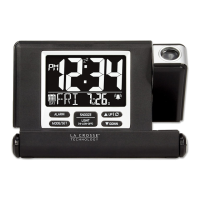
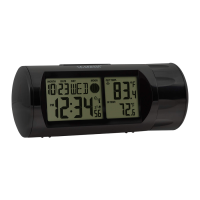
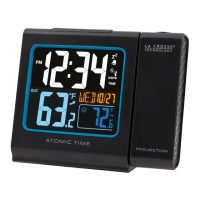
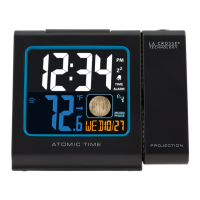
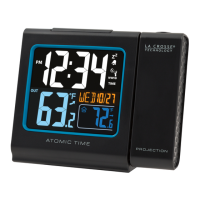
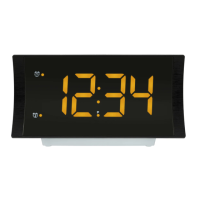
Projection Alarm Clock
How tall are the Time Numbers?
The time numbers are 0.86 inches tall.
12-Hour or 24-Hour Time Format
Display the time in 12-hour or 24-hour format
Default is 12-hour time.
Use the Program Menu
to switch time formats.
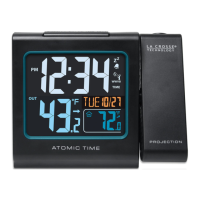
Projection
TIME will project continually when operating with the Micro USB cord.
Battery Operation: Press and release the SNOOZE/LIGHT button to show the
projection for 3 seconds.
Note: Projection will not display constantly when operating on battery power.
Projection Arm: The projection arm will rotate 180 degrees to allow you to
project on the wall or ceiling.
Projection Rotation: Press and release the UP button to rotate the projected
time in 90-degree increments.
Set Time Alarm
1.
Hold then release the ALARM button to enter time set mode. The alarm hours
will flash.
2.
Press and release the
▲
or
▼
buttons to adjust the hour. Hold to adjust quickly.
3.
Press and release the ALARM button to confirm and move to the minutes. The
alarm minutes will flash.
4.
Press and release the
▲
or
▼
buttons to adjust the minutes. Hold to adjust
quickly.
5.
Press and release the ALARM button to confirm and exit.




 To Next Page