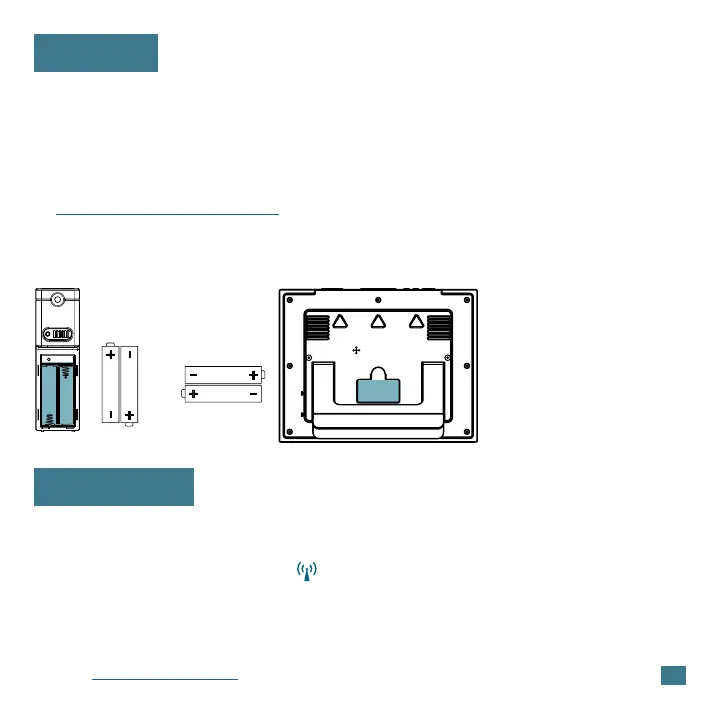
1. Insert 2-AA batteries into your Outdoor Sensor.
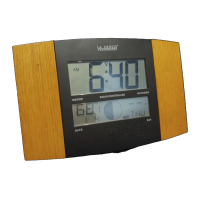
2. Insert 2-AA batteries into your Atomic Clock.
3. Enter the Settings Menu to adjust your time and date.
4. Once the sensor is reading to your clock, place the senor outside in a
shaded location. View our sensor mounting video here:
bit.ly/th_sensor_mounting
• The clock will automatically search for the Atomic Time Signal two hours
after power up and at UTC 7:00, 8:00, 9:00, 10:00, and 11:00.
• The Atomic Time Signal Icon will flash while searching and be solid
when it has connected.
• From the normal time display, press the SET button to manually start
or stop a search for the WWVB time signal. For information about WWVB
visit: bit.ly/AtomicTime.
Power Up
Atomic Time
2
Outdoor Sensor
TX141
(all versions)
Atomic Clock
W79752
AA
AA
AA
AA









 To Next Page