To begin: Hold the SET button 3 seconds, then release, to enter the
settings menu:
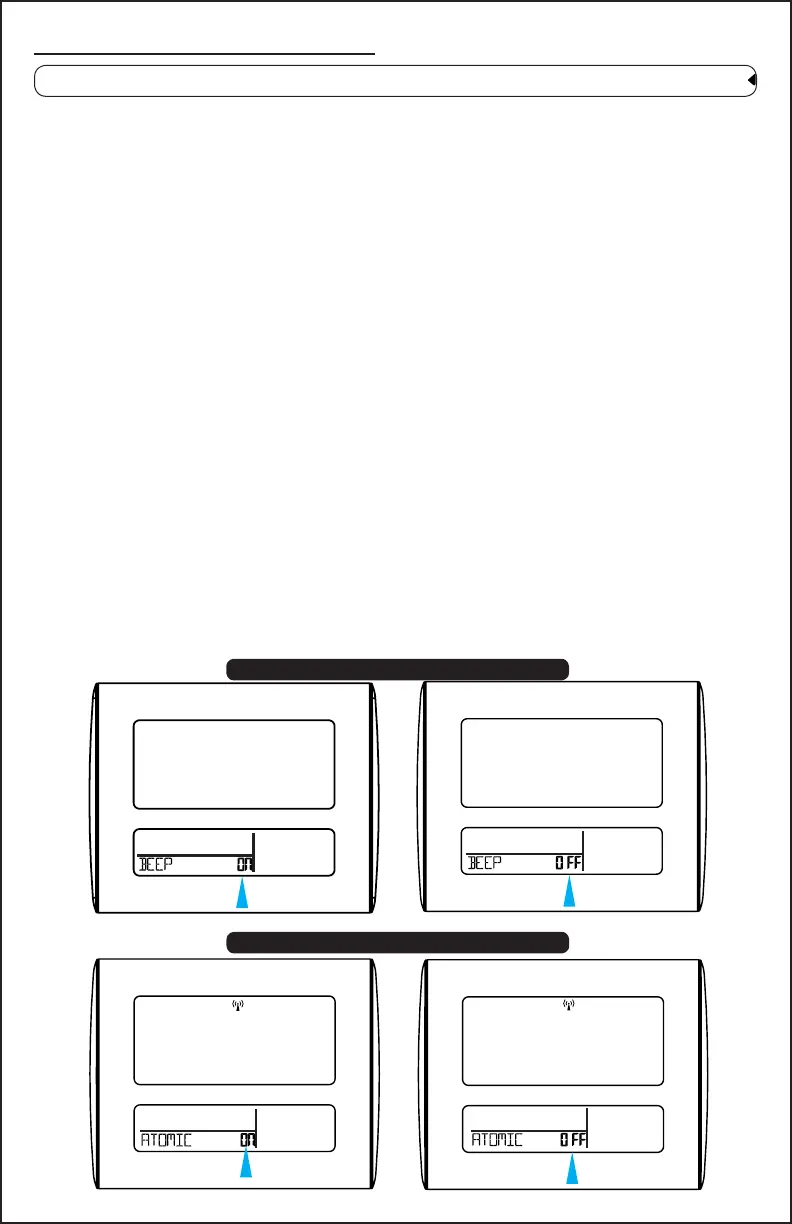
2. Atomic ON (default) or OFF
Settings: Time, Date, etc.
• Hold then release the SET button to enter time set mode.
• Press and release the + or - buttons to adjust the values. Hold to
adjust quickly.
• Press and release the SET button to conrm and move to the next
item.
• Press and release the SNOOZE button at any time to exit.
Time set order:
1. Beep ON/OFF
2. Atomic ON/OFF
3. DST ON/OFF (Daylight Saving Indicator)
4. Time Zone
5. 12/24 hour time format
6. Hour
7. Minutes
8. Year
9. Month
10. Date
11. Fahrenheit/Celsius
Note: Only press one button at a time when setting.
COMFORT
1. Beep ON (default) or OFF
COMFORT
COMFORTCOMFORT
Page 3 www.lacrossetechnology.com/support BBB86095



 To Next Page