Low Battery Icon
Mount Temperature Sensor
• Battery icon by Time-Change batteries in the clock.
• Mount the outdoor sensor on a north-facing wall or in any
well-shaded area. Under an eave or deck rail is preferred.
• The maximum wireless transmission range to the forecast station is
over 300 feet (91 meters) in open air; this does not include barriers
such as walls or oors.
• Be sure the outdoor sensor is mounted vertically.
Position Clock
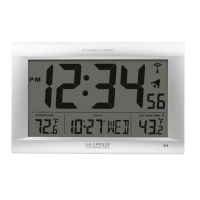
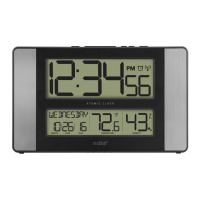
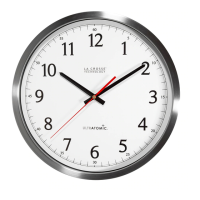
The clock has pullout stand sit on a desk or table, or a hanging hook
to mount on the wall.
• For best Atomic time reception orientate the clock with the front or
the back facing Ft. Collins, Colorado.
• Choose a location 6 feet or more from electronics such as cordless
phones, gaming systems, televisions, microwaves, routers etc.
• Place within range of the outdoor sensor (300 feet open air).
Restart
When the outdoor readings show dashes:
• Bring the sensor in the house ve feet from the station.
• Remove batteries from the sensor, and the batteries from the clock.
• Press any button 20 times.
• After 15 minutes insert batteries into the sensor, and into the clock.
• Wait 15 minutes to establish a strong connection. Place sensor outside
in shaded location.
BBB86095 www.lacrossetechnology.com/support Page |8



 To Next Page