BTA 060, Rev 1K1 Page 6/18
6 User Manual
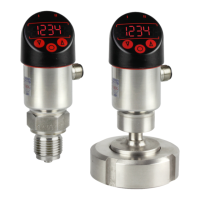
This chapter describes the handling and parameterization of the device with the three
buttons on the display head.
You find an overview of the menu tree on the last page of this document.
6.1 System operating principles
6.1.1 System feedback to operator when buttons are pressed
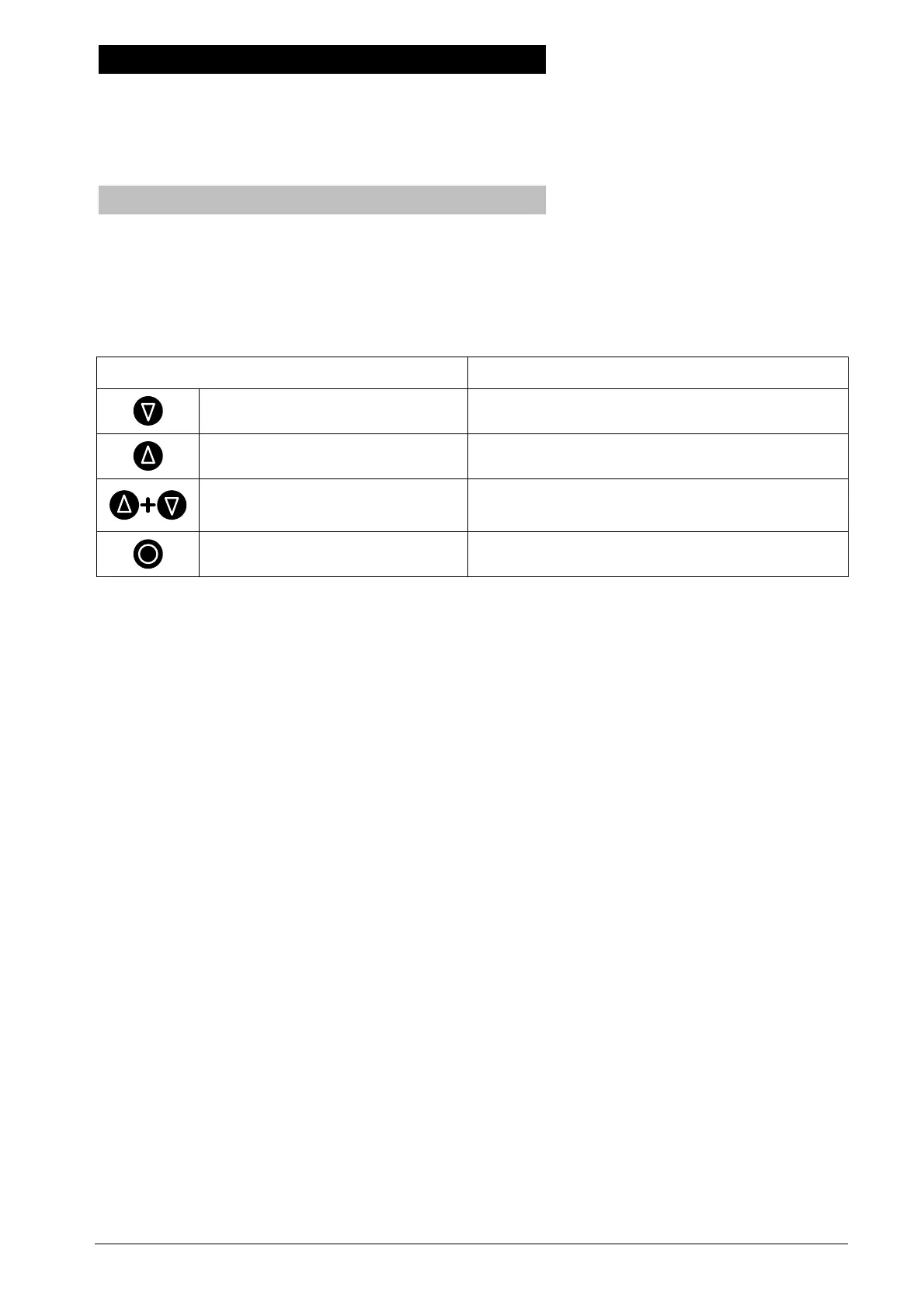
When you press a button, the switching output LEDs flash acknowledging the pressed
button. The left and right arrow buttons are indicated by flashing the left or the right LED.
When you press the left and right arrow buttons at the same time, both LEDs will flash.
Both LEDs flash rapidly if you press the middle button.
Button Feedback
Left arrow button Left LED flashes
Right arrow button Right LED flashes
Both arrow buttons at the
same time
Both LEDs flash
Middle button Both LEDs flash rapidly
Table 2: Feedback to operator when buttons are pressed
The switching outputs are not affected by the LED flashing. When there is no button
pressed, the output states are displayed.
6.1.2 Display mode / Measured-value screen
When the device is switched on, it goes into display mode. The currently measured value
is displayed, or it is displayed alternately with the unit (see 6.4.1).
If the measured value is greater than the maximum number that can be displayed by the
system – this can be caused by setting a fixed decimal point (see Sec. 6.4.3) –, the
maximum number that can be displayed will flash.
By pressing the middle button, the selected unit will be displayed. The unit will continue to
be displayed as long as the middle button is pressed.
The arrow buttons have no function in display mode.
6.1.3 Activating the Menu mode / Key lock
A key lock prevents an unintentional misconfiguration of the device. You have to press
both arrow buttons simultaneously for at least two seconds to enter the operator menu.
The first entry of the main menu (bASE) will then appear on the display. If you hold both
buttons for more than four seconds, the device switches back to display mode and shows
the currently measured value again.


 To Next Page