date must be correctly set on your smart mobile device. For
instructions on setting the time and date, refer to the
documentation for your device.
To download the Dario App from the Apple App Store:
1. Turn on your smart mobile device and launch the App Store app.
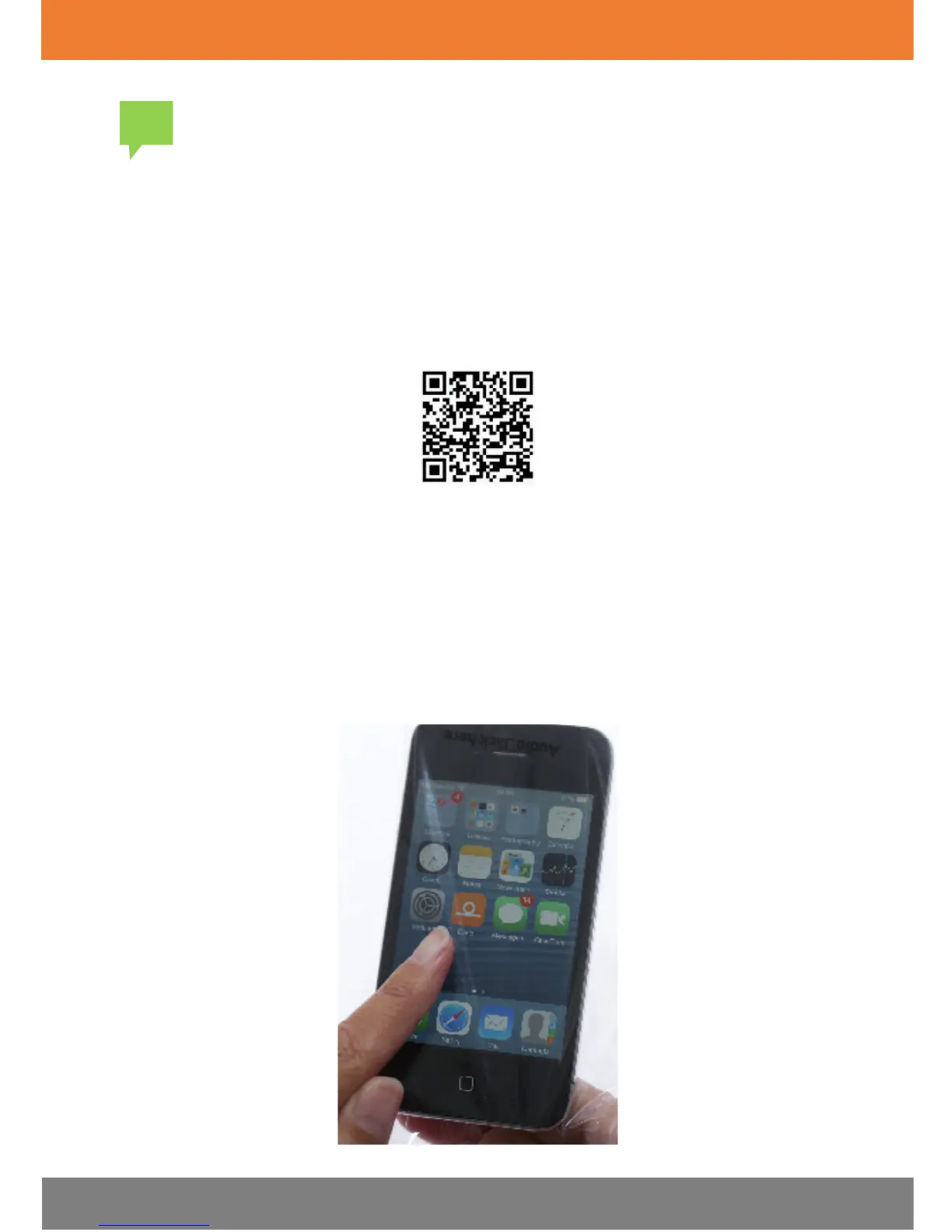
Alternatively, for quicker access, you can use an app that scans QR codes
to scan the following code:
2. Search for the Dario App by LabStyle Innovation Ltd. (Health & Fitness
category) and tap on the
Dario icon
.
3. Tap
Free
and then tap
Install
.
4. Enter your password information as required by your device.
The application downloads. Once installed, the orange Dario icon
appears on your smart mobile device home screen, as shown in the
image below.


 To Next Page