messages or implausible results, contact customer support toll-
free in the U.S. at 1-800-895-5921, 9:00 AM-5:00 PM EST
Monday through Friday or visit www.mydario.com.
lancing device each time you test your blood glucose.
Insert a new lancet into the lancing device, as described in
Inserting a Lancet
on page
22.
If necessary, set the depth of the lancing device. For more information, refer to
Setting Lancet Depth (Optional)
on page
24
.
Return the lancing device (orange) cover by sliding it into place until it clicks.
Be careful not to touch or bend the lancet.
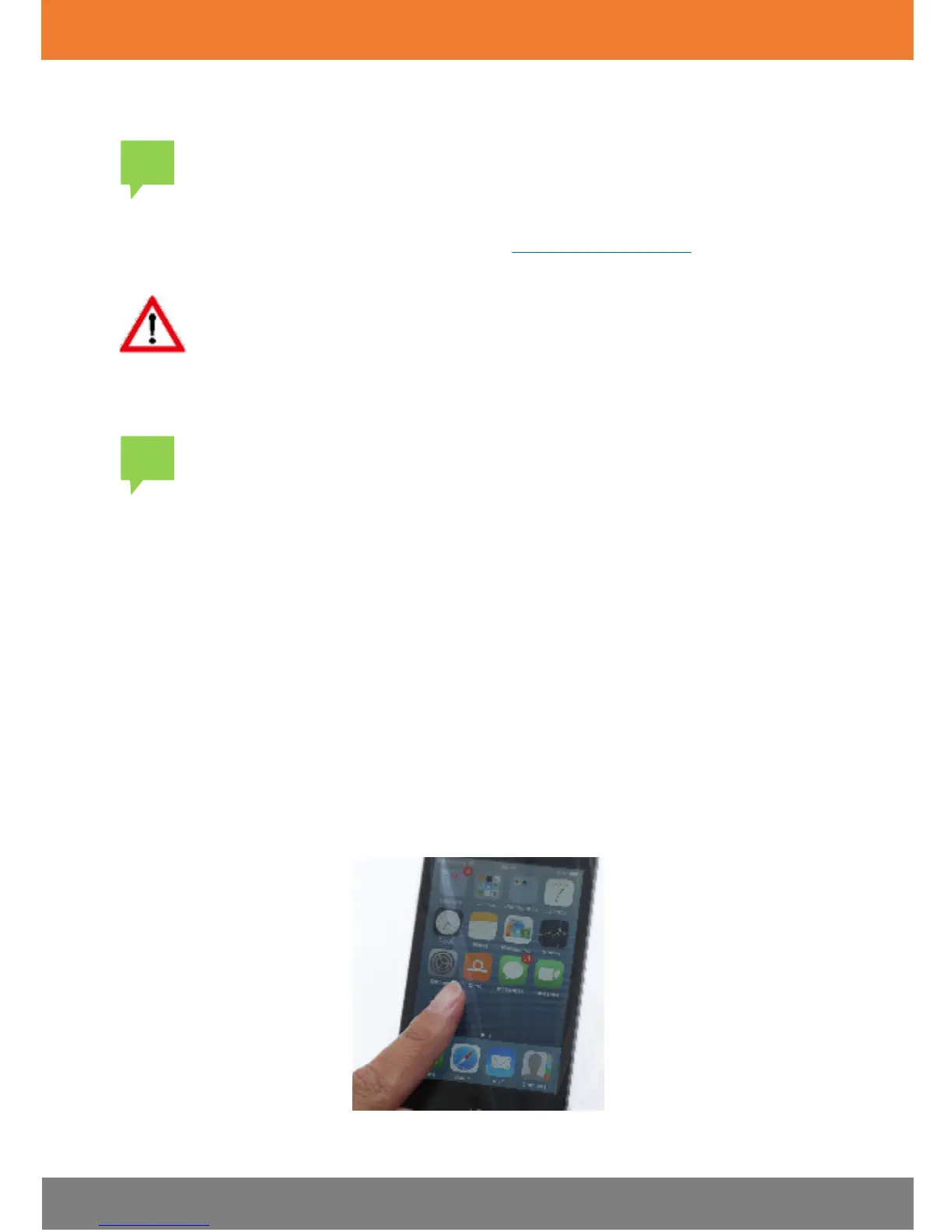
Step Two: Opening the Dario App
Before connecting the Dario Glucose Meter into your smart mobile device,
open the Dario App by tapping the
Dario icon
on your smart mobile device
Home screen.


 To Next Page