the cartridge. It is not recommended that you use a test strip that
has been outside of the cartridge for more than three (3)
minutes.
been inserted correctly. Ensure that you have correctly, returned
the cartridge cover to the closed position as described in step 4.
•
the test strip.
• Do not use a damaged test strip.
Performing a Control Solution Test
To perform a control test:
1. Tap the
Dario icon
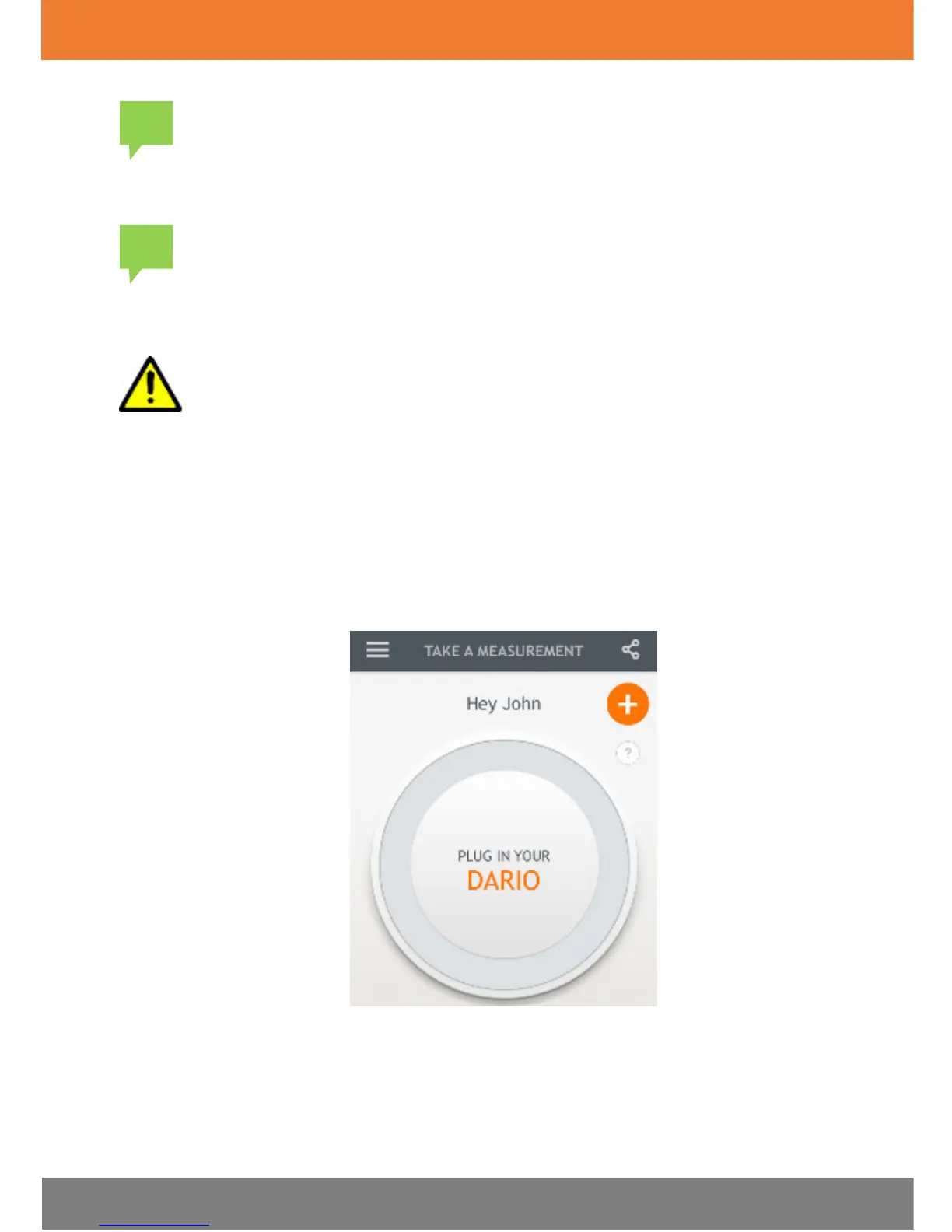
on your smart mobile device to launch the Dario App.
The
First Entry
screen appears, as shown in the image below.
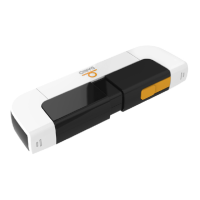
2. Insert the meter into the audio jack port of your smart mobile device, as
shown in the image below.
A “Connecting...” message appears in the Dario App and then the screen
displays the following instruction: INSERT A NEW STRIP.


 To Next Page