EasyManua.ls Logo

LabStyle Dario - Creating Your Account and Personalizing Your Settings

LabStyle Dario
71 pages
Print Icon
To Next Page IconTo Next Page
To Previous Page IconTo Previous Page
Loading...
27
The
Dario App
needs to be installed once
on
each of your smart
mobile devices.
Updates may be downloaded periodically from the App Store.
Creating Your Account and Personalizing Your Settings
To setup your Dario App:
1. After installing the Dario App on your mobile device, press the orange
Dario icon
. The icon appears on your smart mobile device’s Home
screen.
2. Select
Get Started
to register as a Dario user.
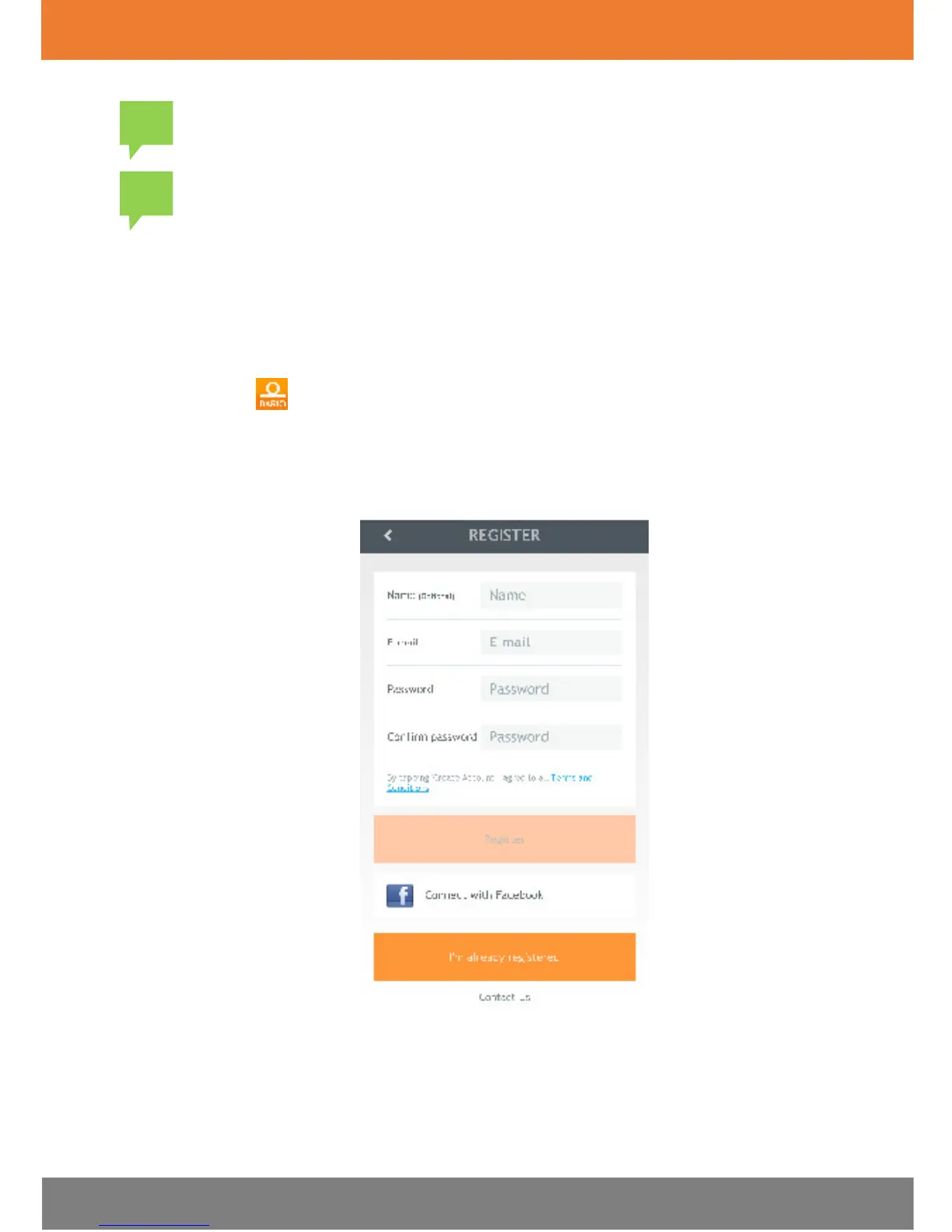
The Registration screen displays, as shown in the image below.

!
!

Table of Contents