28
3. Continue by following the instructions on the screen to register. You can
register by entering your e-mail address and password; or, alternatively,
you can connect with Facebook.
Your password must have at l
an upper case letter, a lower case letter, and a number.
mail address and password will be used
Dario App and the Dario web portal.
4. Press
Create Account
when done.
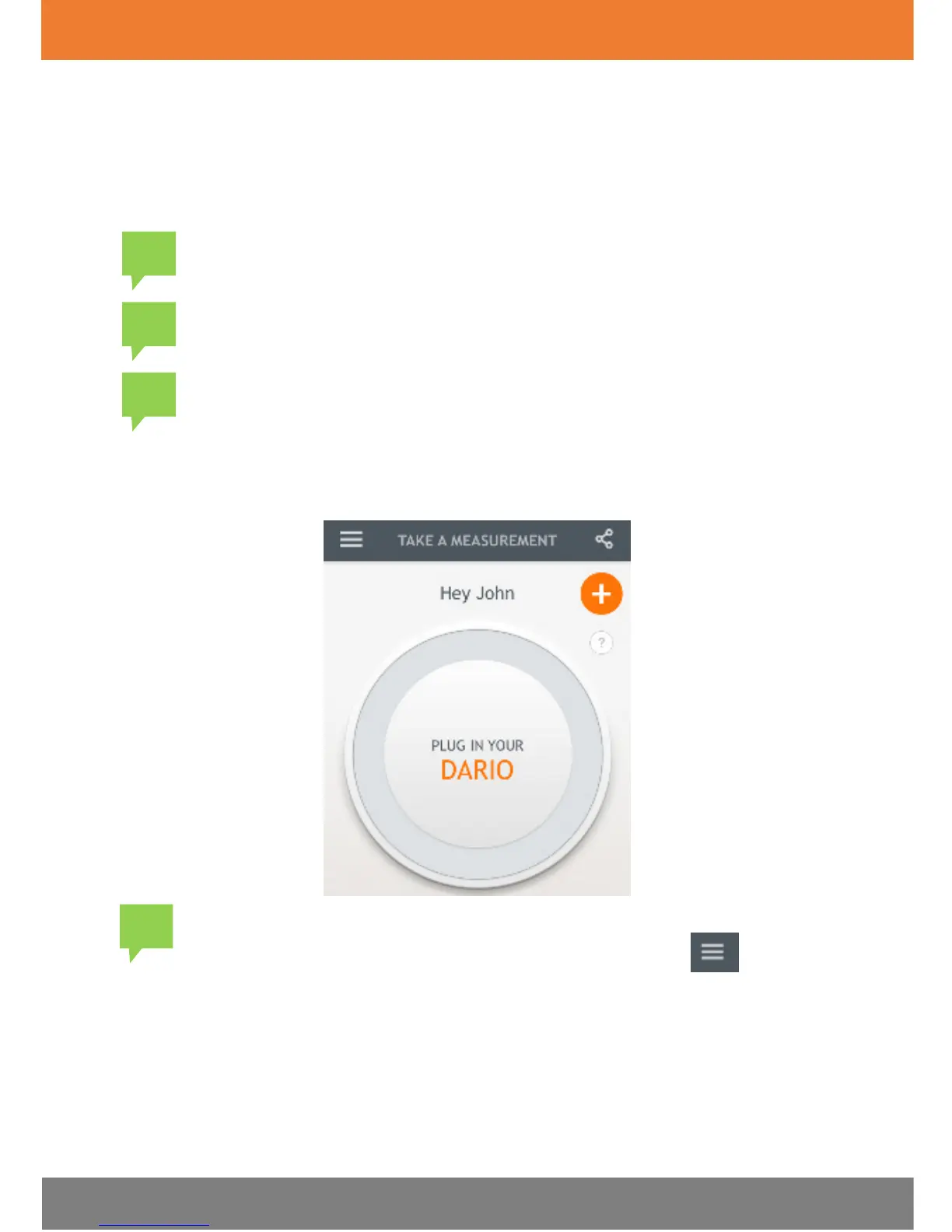
The First Entry screen appears, as shown in the image below.
mail address and password and set the
App language and region by tapping the
Menu icon
and
selecting
SETTINGS > ACCOUNT INFORMATION
.


 To Next Page