60
CHAPTER 6
TROUBLESHOOTING
This chapter provides information about all the symbols and error messages
that may display in the Dario App. To ensure safe and accurate use of Dario,
pay attention to all symbols and messages that occur while using the system as
they provide you with important information.
If you still have questions after reading this chapter, call customer support toll-
free in the U.S. at 1-800-895-5921, 9:00 AM-5:00 PM EST Monday through
Friday or contact customer support at www.mydario.com. Please contact your
health care provider for questions outside of the customer support hours.
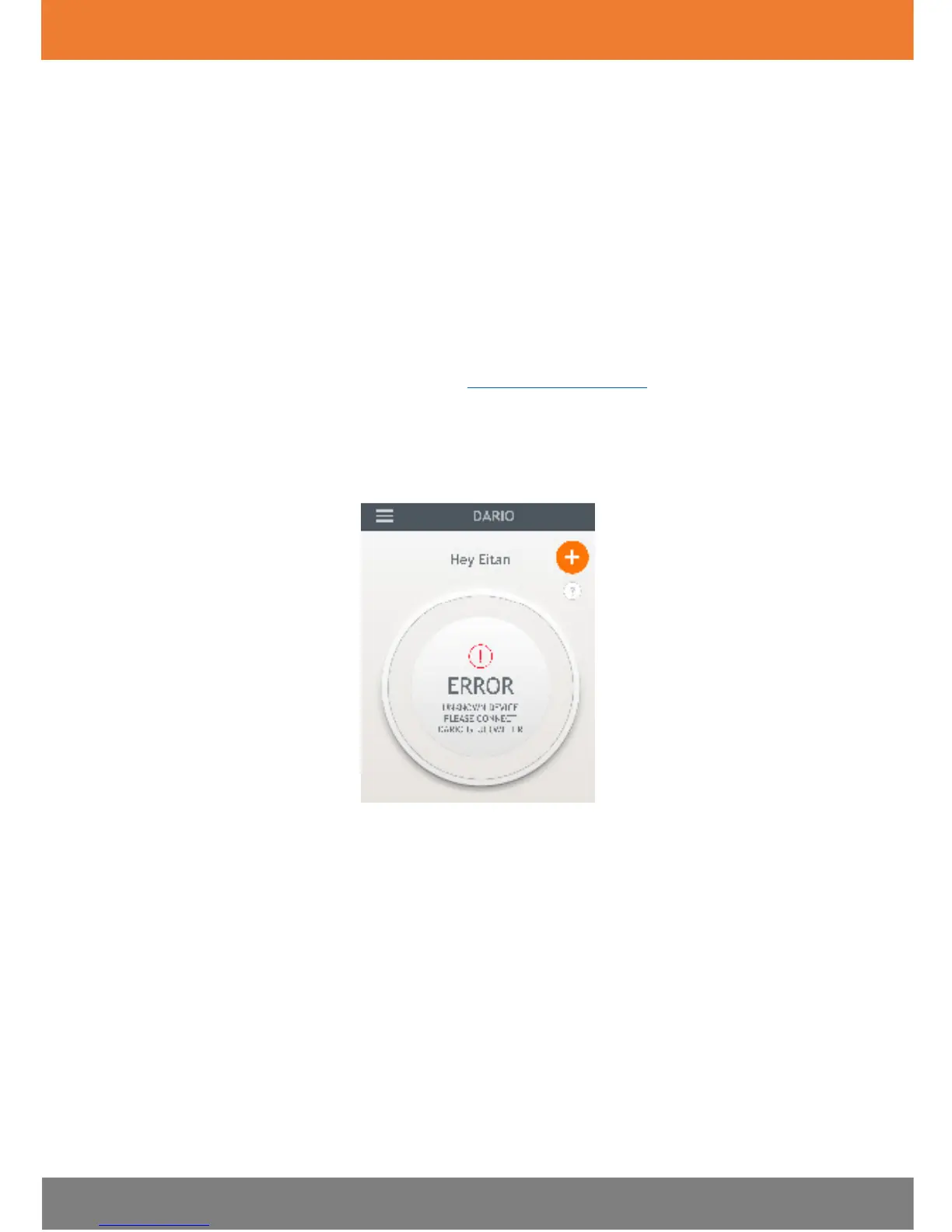
An error message can appear in the Dario App as a message within the results
area, as shown in the images below.
Troubleshooting
The following table lists some typical conditions that may occur with the Dario
System.


 To Next Page