37
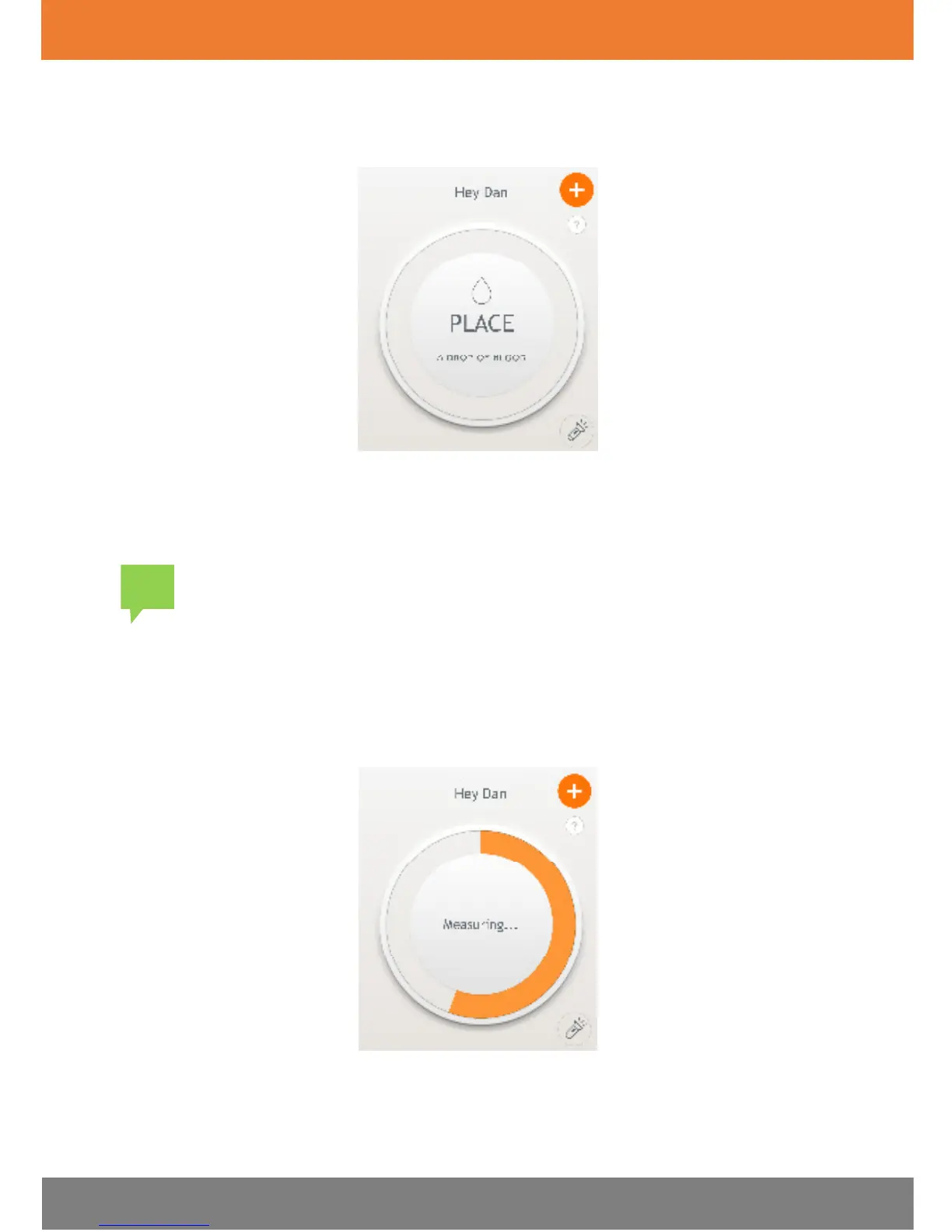
The Dario App screen instructs you to place a drop of blood on the test
strip, as shown in the image below.
5. Shake the control solution container and apply a drop of control solution
onto the edge of the test strip, allowing the test strip to automatically
draw the control solution into the yellow window.
window so that it turns red. Do not put control solution on top of the
test strip.
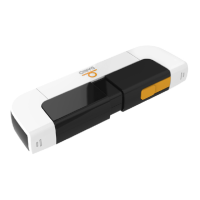
When the meter detects the solution, the “Measuring...” message
appears. The orange rotating in the circle indicates that the test is in
progress, as shown in the image below.
The glucose test result appears on the screen after six (6) seconds and is
automatically saved to memory.


 To Next Page