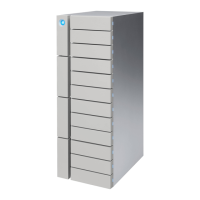
LaCie 12big Rack Network Module Removal & Replacement
User Manual page 41
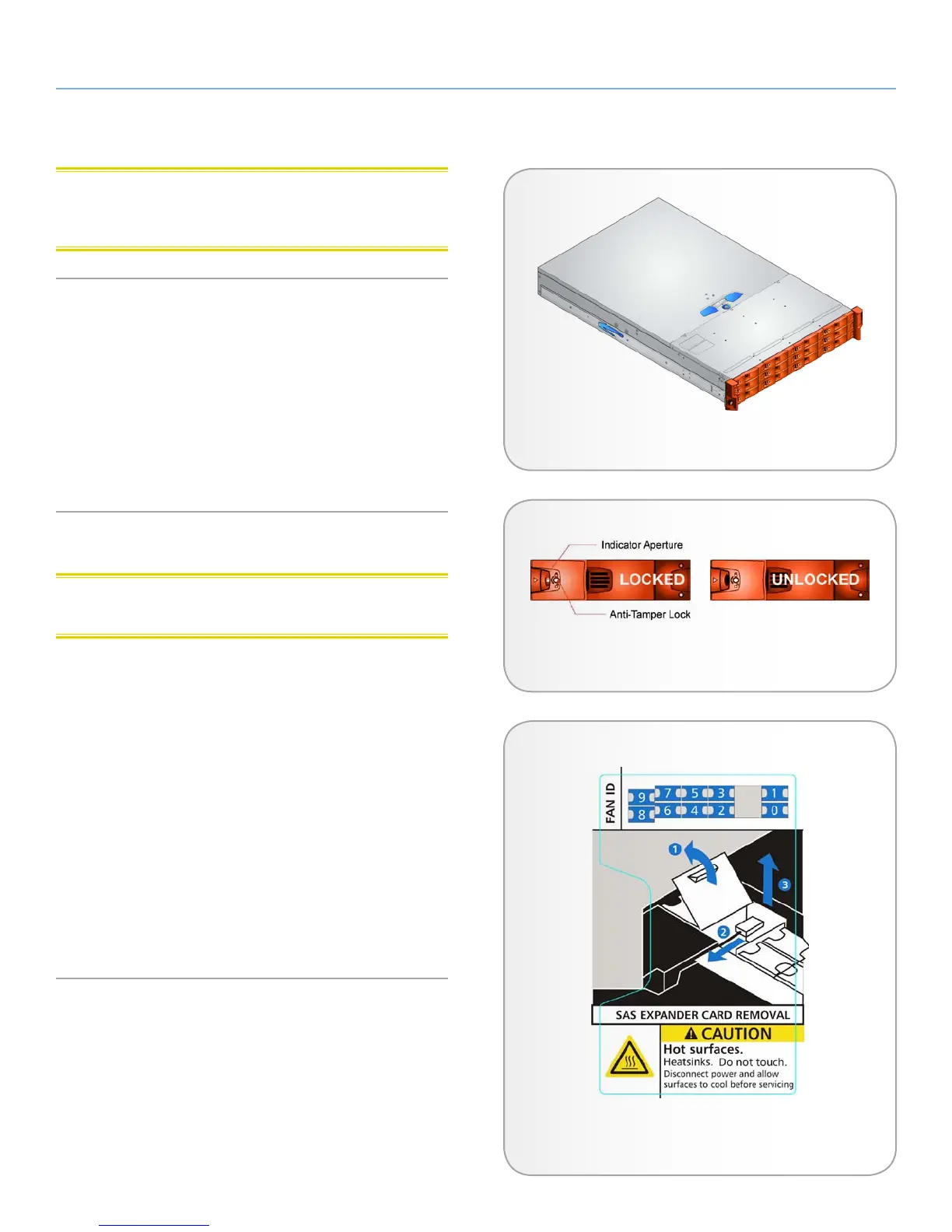
CAUTION: Ensure that all drive carriers are fully engaged in the
enclosure by firmly pushing each one home into the slot, as shown
in Fig. 33.
Activating the Anti-tamper Locks
1. Carefully insert the lock key provided into the cutout in the
handle.
2. Locate the key into its socket.
3. Rotate the key in a clockwise direction until the indicator is vis-
ible in the aperture beside the key.
4. Remove the key.
5.4. Replacing the SAS Expander PCB
CAUTION: Hot Surfaces: Disconnect power and allow to cool be-
fore servicing
1. To access the SAS Expander PCB, release the enclosure top
cover by turning the lock mechanism to the “unlocked” position
and slide the cover back until it stops (see Fig. 25).
2. Slide the cover forward, lifting at the same time to completely
remove the cover.
1. To remove the SAS Expander PCB, open the PCB cover, squeeze
the retaining pin and pull the PCB assembly forward, unplug-
ging it from the Backplane and remove the SAS cable.
2. To replace the SAS Expander PCB, squeeze the retaining pin to
locate the PCB assembly over it in order to plug the assembly
into the Backplane and refit the SAS cable.
3. Close the PCB cover and then close the enclosure cover and
secure by turning the lock mechanism to the “locked” position.
Fig. 33 - Drive Carrier Modules Installed in Enclosure
Fig. 34 - Activating the Anti-tamper Lock
Fig. 35 - SAS Expander PCB Removal Label


 To Next Page