LaCie 12big Rack Network System Overview
User Manual page 9
1.3. LaCie 12big Rack Network
System Configurations
The following LaCie 12big Rack Network system configurations are
offered:
Table 01 - System Configurations (Configuration A)
Configuration A Basic System plus:
CPU Quad Core Intel 5420
FDBMM 2 x 1GB
Boot Drives 2 x 80GB SATA (2.5”)
Data Drives (3.5”) Up to 12 supported drives
RAID Option RAID 1 for OS Boot internal
drives
PCI Option (maximum 5) AMCC 9690 4i4e RAID
controller for data drives
2
3
4
5
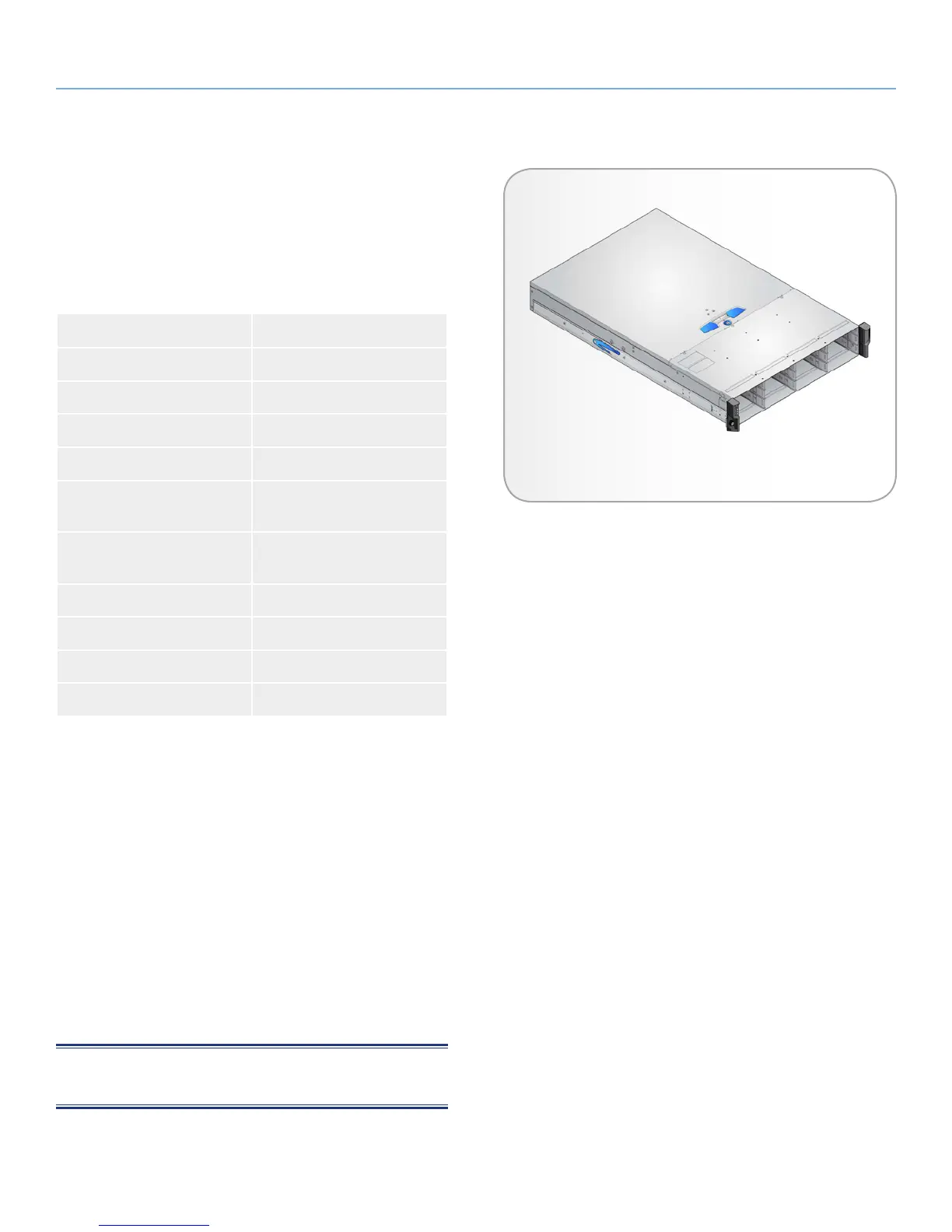
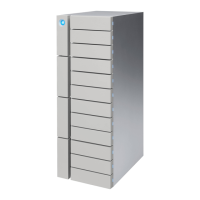
The Chassis (Fig. 04) consists of a sheet metal enclosure assembly
containing an integrated Backplane PCB, Enclosure Management
PCB and carrier runner system.
The chassis is fitted with 19 inch Rack mounting features which en-
ables it to be fitted to standard 19 inch racks and uses 2 EIA units of
rack space (i.e. 3.5” high).
✦ The Backplane PCB provides 12 direct dock SAS Serial ATA
connectors to the drives and acts as the connectivity hub of
the enclosure, connecting to the Enclosure Management PCB.
✦ The ten Cooling Fans are connected to the system via the
Enclosure Management PCB.
There are 12 drive bays at the front of the enclosure. Each drive bay
accommodates a plug-in Drive Carrier Module which houses Low
Profile (1 inch) high 3.5 inch form factor drives.
NOTE: A Bay is defined as the space required to house a single
1.0” high 3.5 inch disk drive in its carrier module.
At the rear, the chassis assembly accommodates two Power Supply
Units and ATX Server Subsystem.
Fig. 04 - Enclosure Chassis


 To Next Page