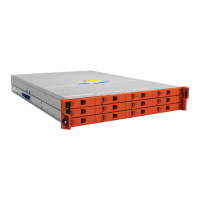
LaCie 12big Rack Network Module Removal & Replacement
User Manual page 46
14. Relocate the module in the enclosure, securing with the three
screws removed at step 5.
15. Replace the fan ducting, securing with the two screws removed
at step 4.
16. Replace the CPU/memory ducting.
17. Replace the enclosure cover and secure by turning the lock
mechanism to the” locked” position.


 To Next Page