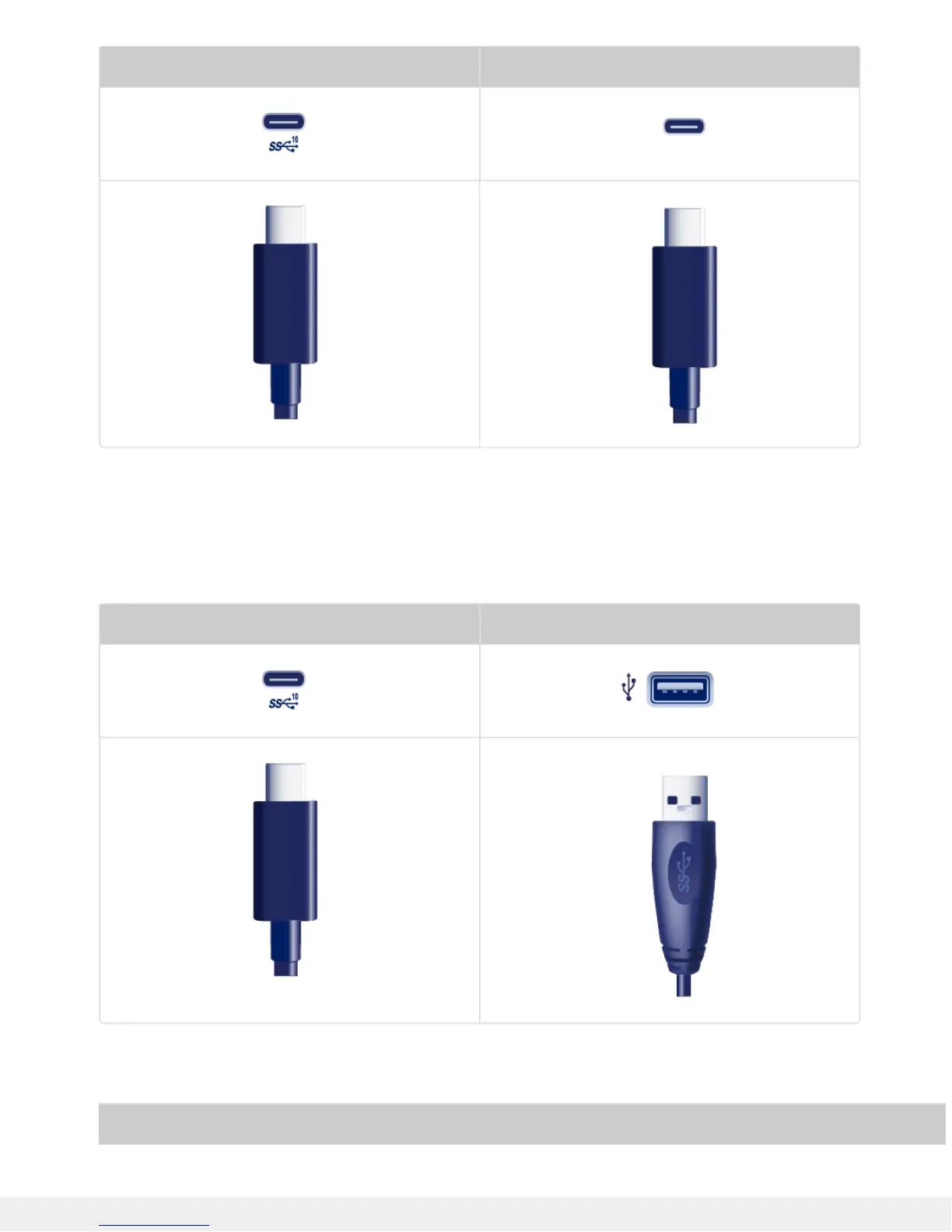
2big RAID Computer
USB-C to USB Type A cable
Use the USB-C to USB Type A cable to connect 2big RAID to a USB-A (USB 3.0 or USB 2.0) port on your
computer.
2big RAID Computer
Transfer rates with USB-A connections have the potential to reach the following speeds:
Port Transfer rates
Error 404--Not Found
From RFC 2068 Hypertext Transfer Protocol -- HTTP/1.1:
10.4.5 404 Not Found
The server has not found anything matching the Request-URI. No indication
is given of whether the condition is temporary or permanent.
If the server does not wish to make this information available to the
client, the status code 403 (Forbidden) can be used instead. The 410 (Gone)
status code SHOULD be used if the server knows, through some internally
configurable mechanism, that an old resource is permanently unavailable and
has no forwarding address.













 To Next Page