LaCie d2 Thunderbolt 2 | USB 3.0 User Manual 2
INTRODUCTION
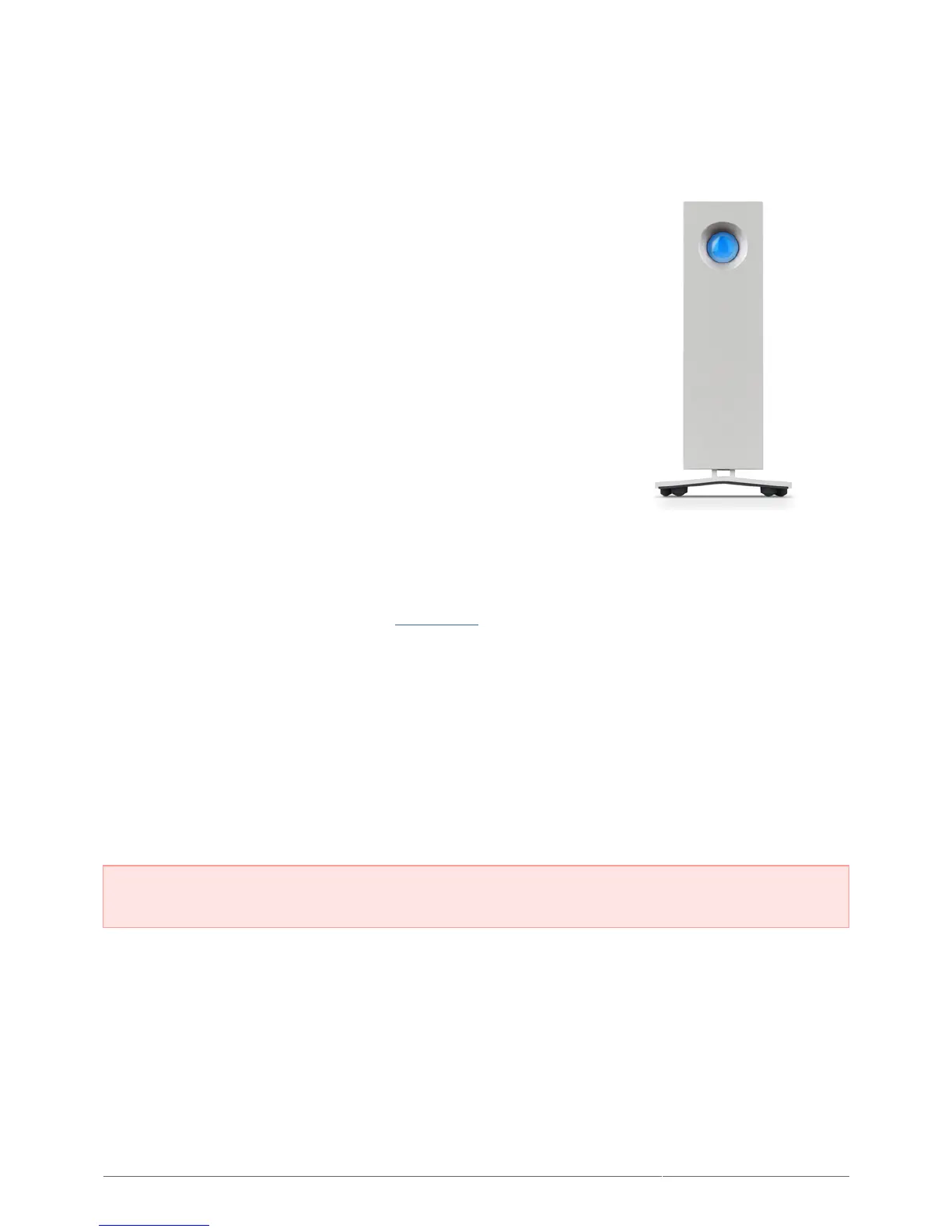
Welcome to the User Manual for the LaCie d2 Thunderbolt™ 2.
LaCie's Thunderbolt 2 storage enclosures feature transfer rates
with the potential to reach up to 20Gb/s bi-directional. Connect
the LaCie d2 to a computer that supports Thunderbolt 2
technology for the ultimate in performance with 4K video and
graphics. The LaCie d2 is ideal for professional editors,
photographers, and graphic artists that demand extraordinary
performance both in the office and the field.
The LaCie d2 also features a USB 3.0 port. Transfer rates can reach up to 5Gb/s when connected to a computer
with a USB 3.0 port. Since it is backwards compatible, USB 3.0 gives you universal connectivity to any computer
with a USB 2.0 port.
This manual will guide you through the process of connecting your LaCie d2 and explain its features. For
questions on installation or use, consult the Getting Help page.
BOX CONTENT
LaCie d2
■
Thunderbolt cable
■
USB 3.0 cable (USB 2.0 compatible)
■
External power supply
■
Quick Install Guide
■
Important info: Save your packaging. In the event that the hard drive should need to be repaired or
serviced, it must be returned in its original packaging.











 To Next Page