LaCie d2 Thunderbolt 2 | USB 3.0 User Manual 25
DAISY CHAIN (THUNDERBOLT 2)
Use the enclosure's two Thunderbolt 2 technology ports for:
Direct connection to a computer that is compatible with Thunderbolt 2 technology or first generation
■
Thunderbolt technology
Daisy chaining with devices and displays that are compatible with Thunderbolt 2 technology and first
■
generation Thunderbolt technology
DAISY CHAIN: THUNDERBOLT 2 TECHNOLOGY AND FIRST
GENERATION THUNDERBOLT TECHNOLOGY
Thunderbolt 2 technology is an update of first generation Thunderbolt technology. While Thunderbolt
technology continues to provide impressive transfer rates of up to 10Gb/s bi-directional, Thunderbolt 2
technology offers improved performance with a potential of up to 20Gb/s bi-directional. Thunderbolt 2
technology also gives you greater flexibility when using video and data, assigning greater throughput to the
stream that carries the heavier load. You must have a computer that supports Thunderbolt 2 technology in
order to take advantage of the updates in performance and the intelligent sharing of bandwidth.
Similar to first generation Thunderbolt technology, a single Thunderbolt 2 technology daisy chain can have up to
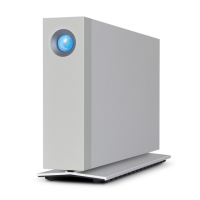
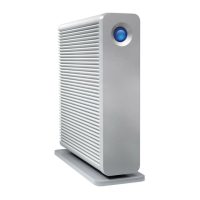
seven devices, including the computer. For example, you can daisy chain five LaCie d2 Thunderbolt 2
enclosures on the same line with a display. Provided that your computer supports Thunderbolt 2 technology,
transfer rates have the potential to reach up to 20Gb/s bi-directional for all devices.
You can also add the LaCie d2 to a daisy chain that includes first generation Thunderbolt technology devices.
For example, your computer supports Thunderbolt 2 technology and you add the LaCie d2 to a daisy chain that
includes three first generation Thunderbolt technology storage devices and a display with a MiniDisplay port. In
such a case, make certain that the LaCie d2 is the first enclosure connected to the computer. You can lose the
higher performance offered by Thunderbolt 2 technology if a Thunderbolt 2 device is daisy-chained behind first
generation Thunderbolt devices and/or displays.











 To Next Page