14
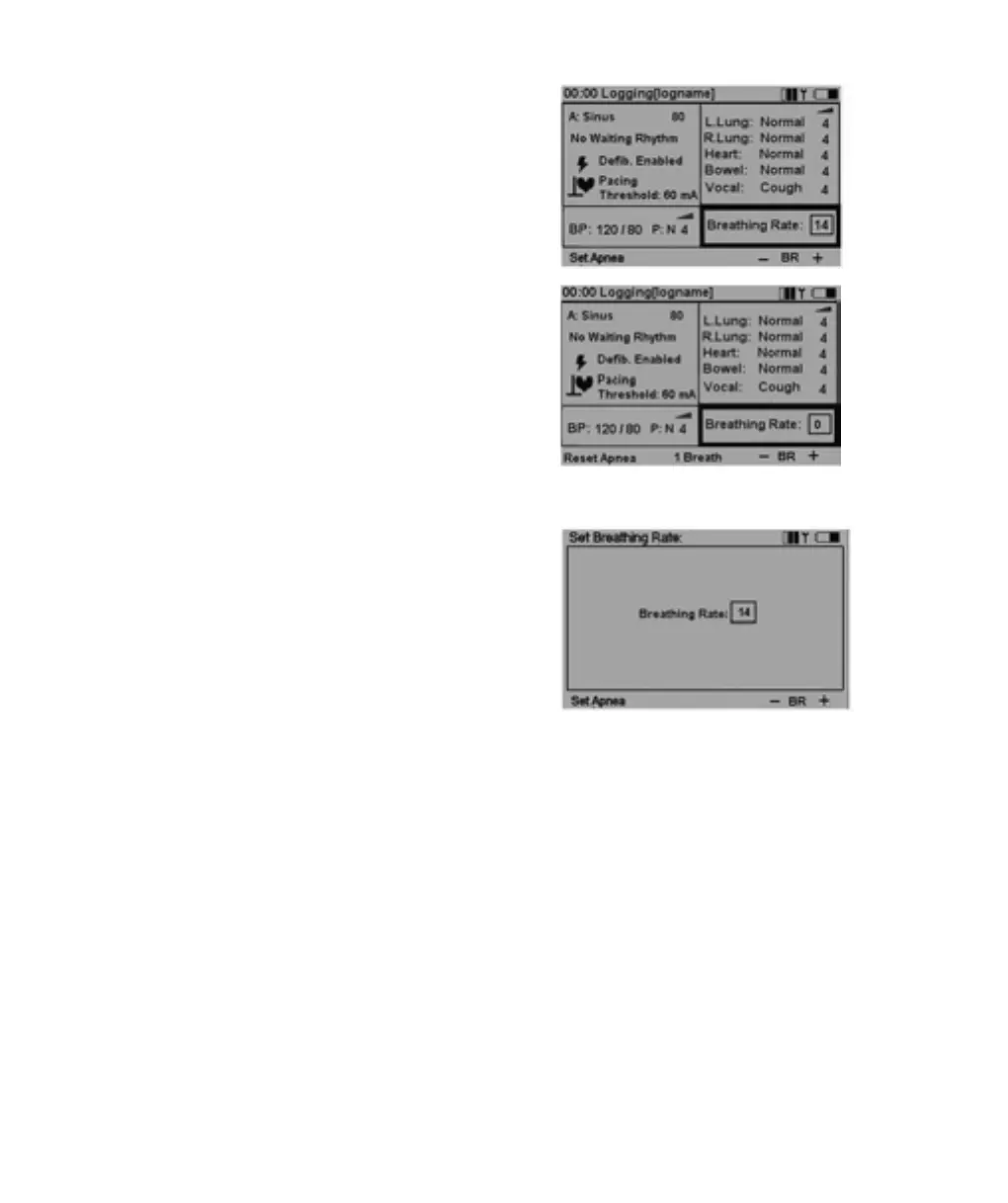
Breathing Rate
Breathing rate is automatically set to 0 if BP is 0.The breathing
rate is not automatically set back to normal if a BP is set.
Breathing rate can be adjusted between 0 and 60 breaths
per minute.
Set Breathing Rate
On the main display, using the left / right navigation buttons,
highlight the Breathing rate functional area.
Press OK to activate the Breathing rate menu or adjust BR
directly using the BR + / - quick execution buttons.
Set Apnea will set breathing rate to 0. Reset Apnea will
restore the previously set breathing rate.
When Breathing rate is 0, the quick execution button
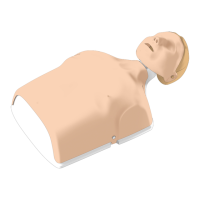
1 Breath becomes available.This function will activate one
breath cycle, allowing for generating breath sounds on
the manikin in synchronism with forced ventilations.
Breathing rate can be adjusted using the up / down navigation
buttons, the BR + / - quick execution buttons (steps of 5)
or entered directly using the numeric buttons.
VitalSim06DfUengelsk 11.09.03 08:14 Page 14










 To Next Page