8
Operation
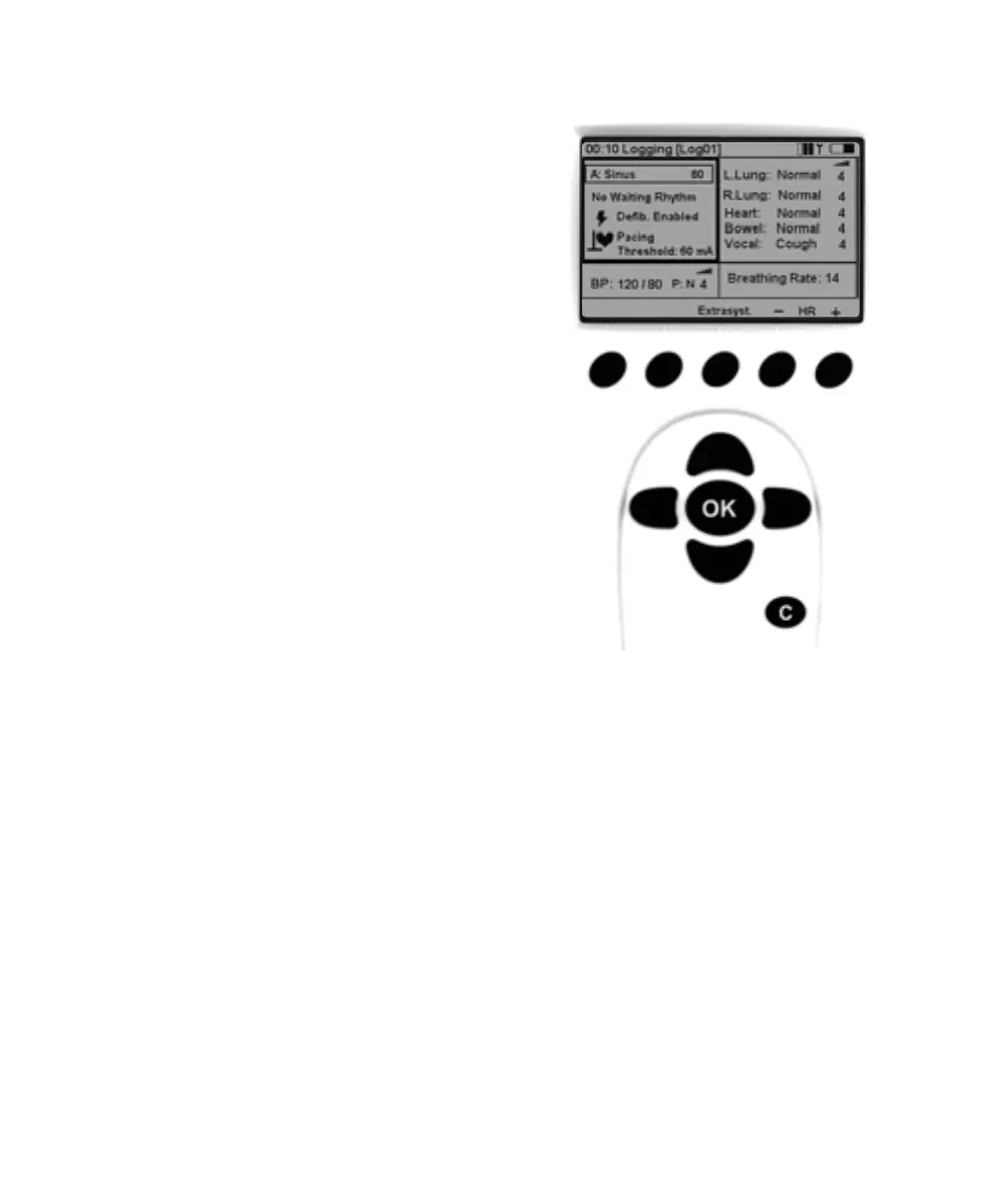
Using left / right navigation buttons, tab over to the desired
functional area of the display. Once the desired area is highligh-
ted, use the up / down navigation buttons to scroll through to
the desired selection.
When the desired functional area is highlighted, press OK to
edit the settings. (For example, to set the rhythm, highlight the
ECG functional area and push the OK button.)
When the selection is complete, press OK to implement
the new selection and return to the main display.
To cancel the selection, press C and return to the main
display with the previous setting unchanged.
VitalSim06DfUengelsk 11.09.03 08:14 Page 8












 To Next Page