Cancel
OK
How to set up LCD controller
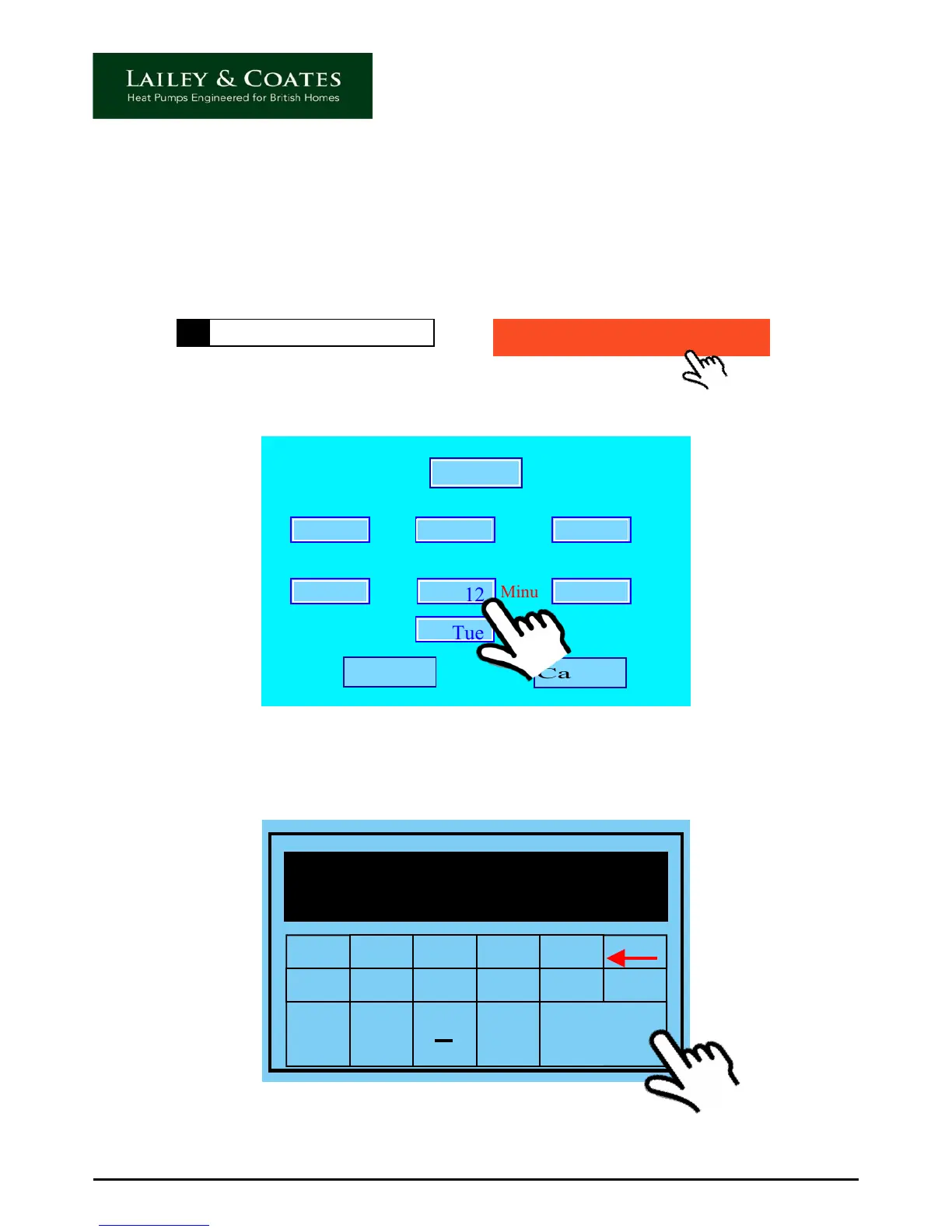
Setting the date, time and day.
To access the time settings screen, touch the date, time and day indicator (1) on the
controller home screen.
The controller will bleep and the screen will change to the following :
Date Time and Day indicator
1
Touching each of the numeric displays in turn, will allow you to adjust them to the desired
setting, by using the keypad below, which will appear. Press enter to input and return to
the time set screen
1 2 3 4 5
6 7 8 9 0 Clr
oo
Esc Enter
12
Once complete touch the OK icon. Check that the date, time and day indicators are now
displaying the correct settings.
09/02/2013 09:12 TUES



 To Next Page