3. Settings For The DAC
3.1. Selecting Input Sources
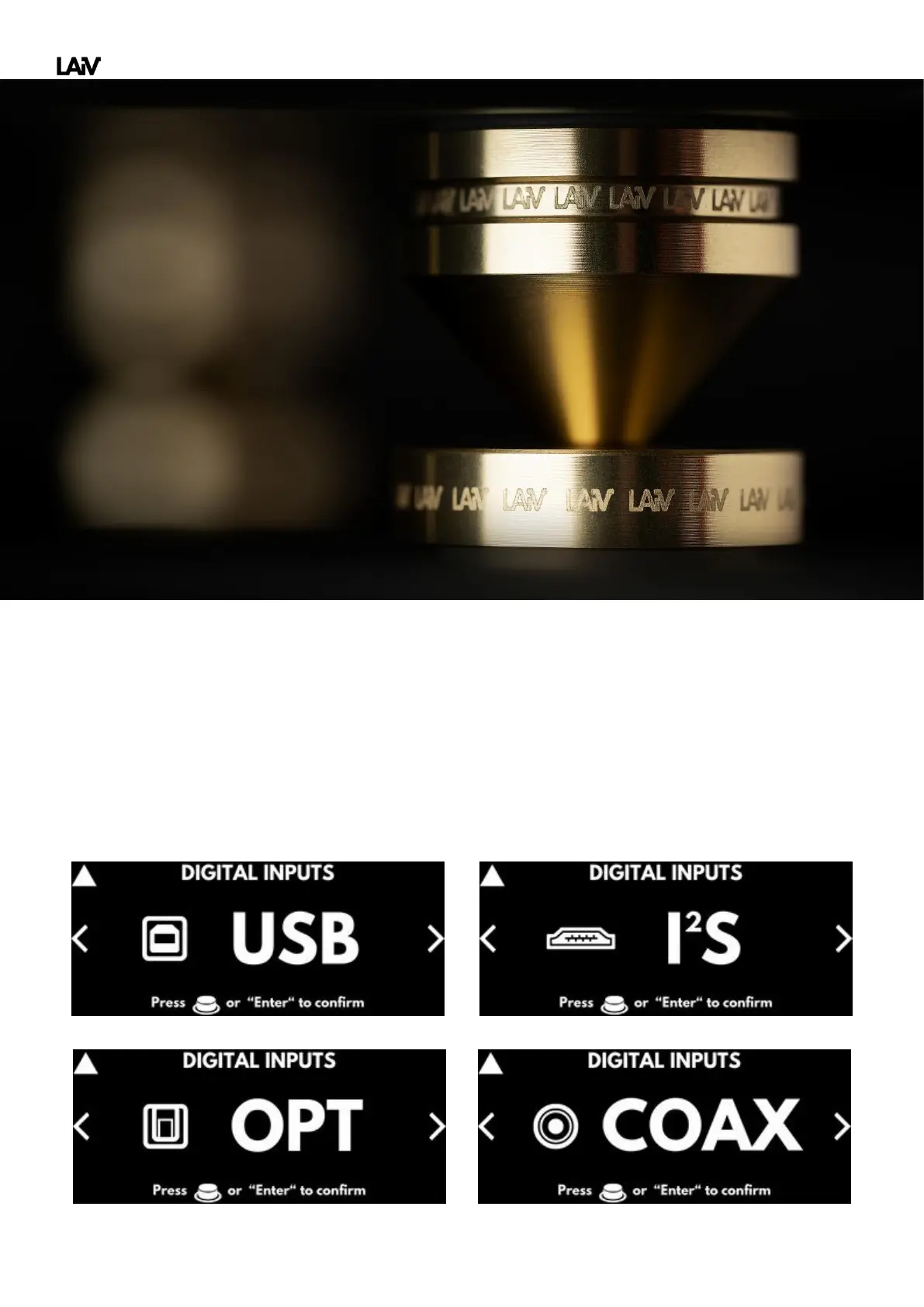
The DAC offer four distinct inputs, each catering to different connectivity needs. Whether it's USB, coaxial,
optical, or I
2
S, you have the flexibility to choose the input that suits your setup best. To switch between inputs,
simply turn the dial located on the right side of the DAC. The display will indicate the currently selected input;
continuing to turn allows you to navigate to other options as needed. Once the desired input is displayed,
pressing the dial confirms the selection and returns users to the main page for uninterrupted audio enjoyment.



 To Next Page