3.5. Display Brightness and Delay Setting
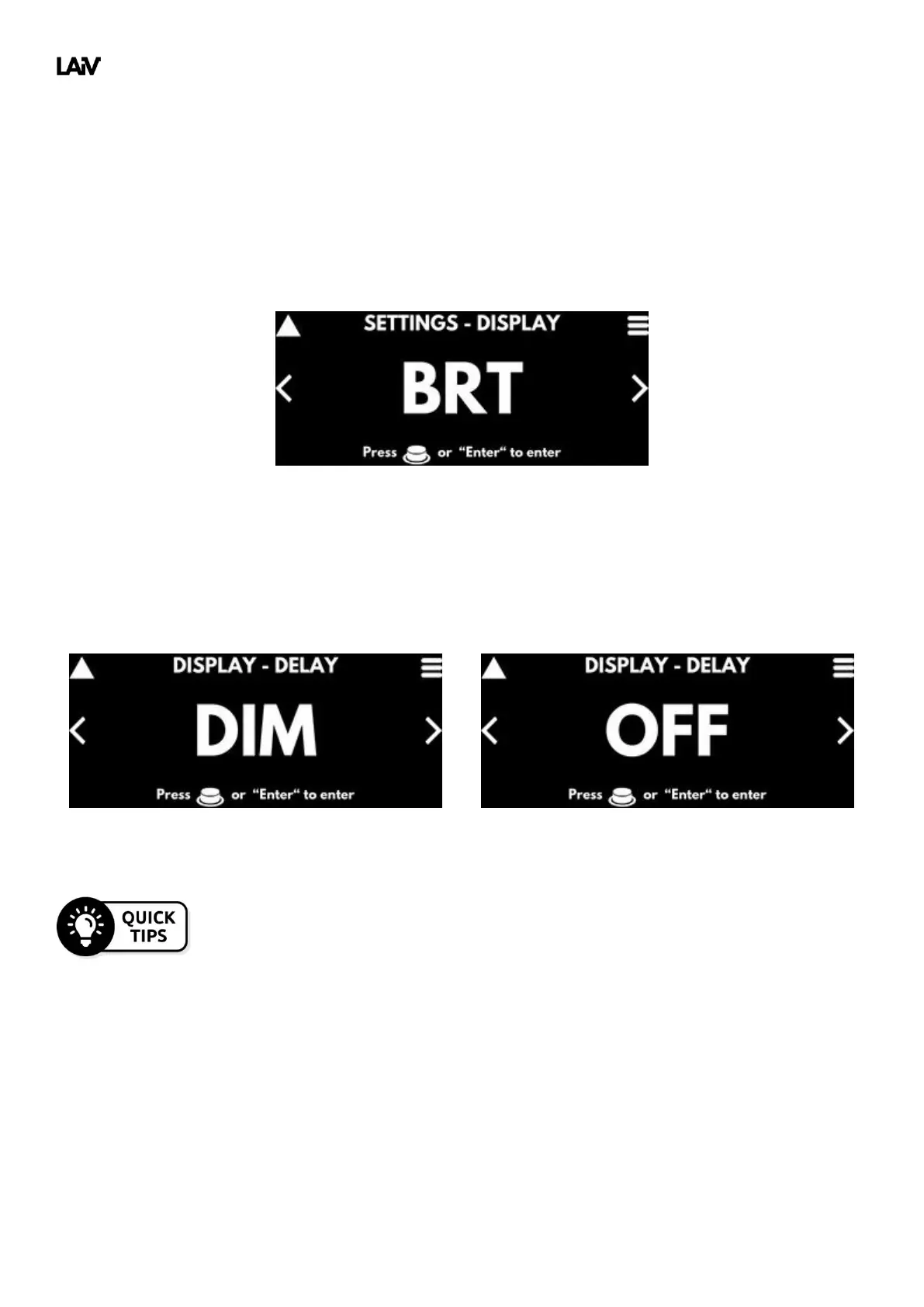
The display brightness and delay settings feature provide you with full control over your viewing experience. With
the display brightness setting, you can adjust the brightness of the display to your preference, ensuring optimal
visibility in any lighting condition.
Additionally, our delay function allows the display to automatically dim and turn off after a period of inactivity,
conserving energy and minimizing distractions. The delay dim function reduces the brightness to LOW after the
selected time period.
Both delay dim and delay off can be used simultaneously, with the delay off setting taking
precedence over the delay dim function. With the combination of both settings, you can
reduce the brightness of the display before turning off the display completely.



 To Next Page