Operation instructions
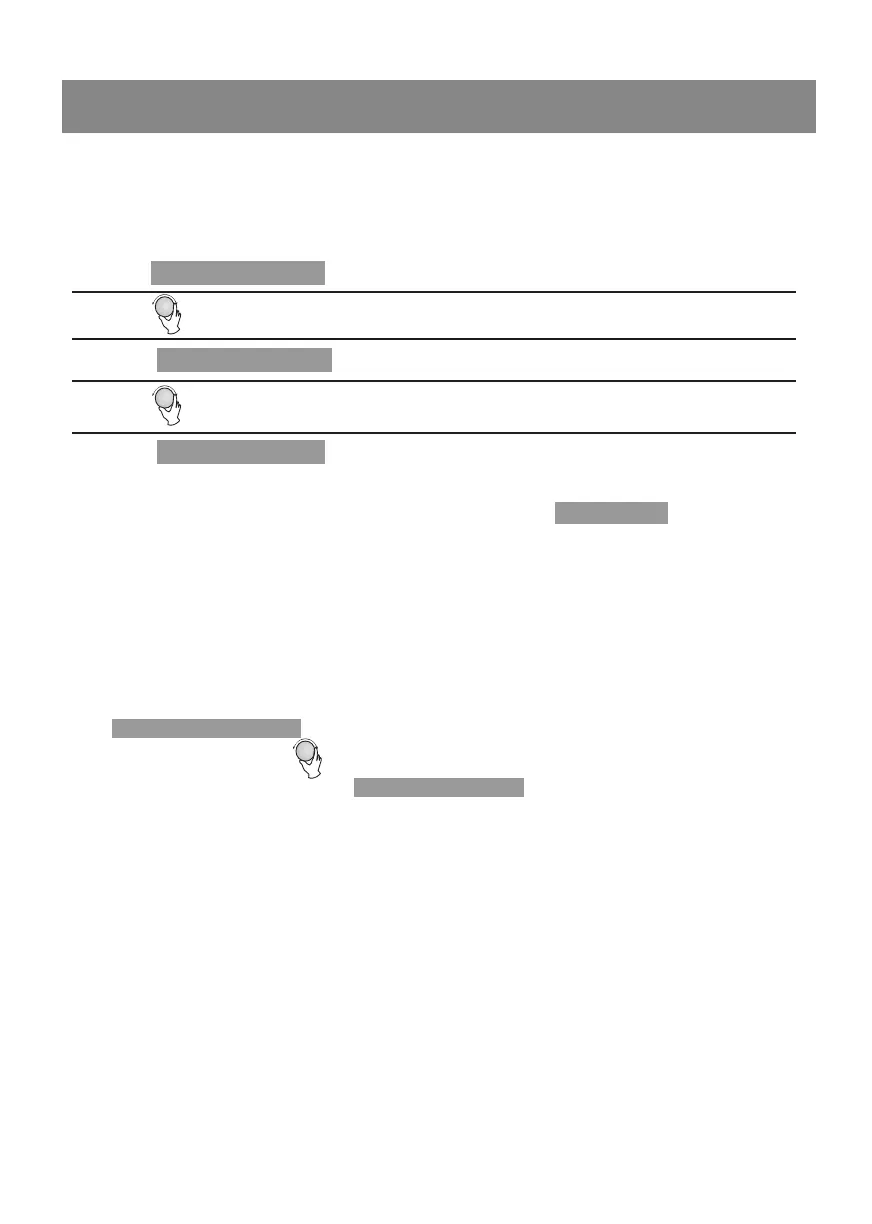
2) Turn " " to adjust the hour, the input time should be within 0--23.
3)
Press " ", the minute will flash.
1. Clock Setting
When the microwave oven is powered on, the screen will display "0:00", buzzer will
sound once.
1) Press "
" twice to select clock function, the hour will flash.
4) Turn " " to adjust the minute figures, the input time should be within 0--59.
5) Press " " to finish clock setting. ":" will flash, and the time will light.
Note: 1) If the clock is not set, oven will not function when powered.
2) During the process of clock setting, if you press " ", the oven
will go back to the previous status automatically.
Stop/Clear
Kitchen Timer/Clock
Kitchen Timer/Clock
Kitchen Timer /Clock
13
1) 100% power, each added press will increase 30 seconds cooking time up to
2) In microwave, grill, combination cooking or time defrost state, each press of
" " can increase 30 seconds of cooking time.
3) In waiting state, turn " " left to set cooking time with 100% of cooking time.
microwave power, then press " " to start cooking.
2. Quick Start
Start/+30Sec./Confirm
Start/+30Sec./Confirm
95 minutes.


 To Next Page