EasyManua.ls Logo

LaMotte 1200 - User Manual

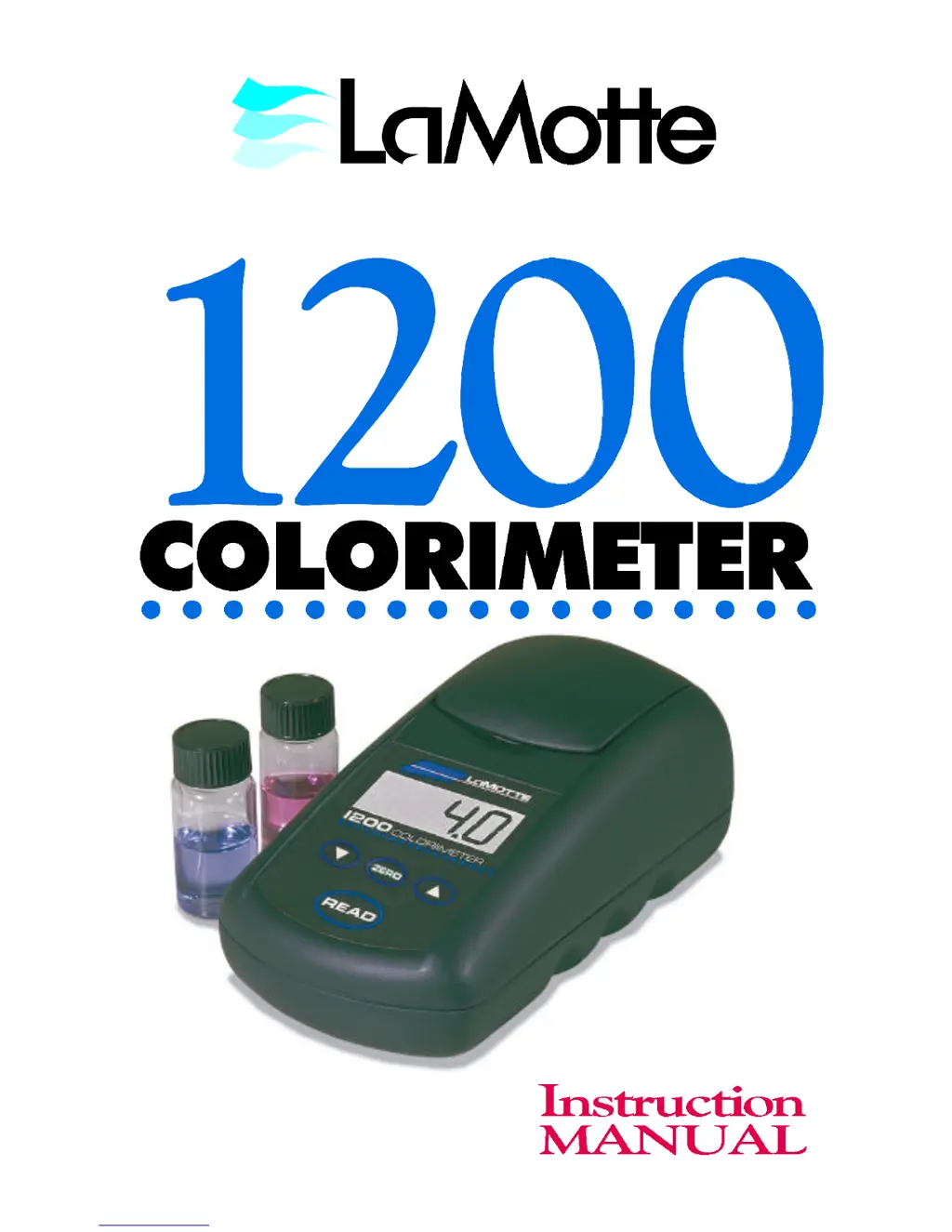
LaMotte 1200
26 pages
Print Icon
To Next Page IconTo Next Page
Loading...

Questions and Answers

  • K
    krista65Aug 1, 2025
    How to troubleshoot suspect calibration on LaMotte 1200 Measuring Instruments?
    • F
      fernando91Aug 1, 2025
      If you suspect the calibration of your LaMotte Measuring Instruments, try the following: use new standards, run a test with an alternative reagent system, check other meter calibrations, re-align the tube, and check, clean and/or replace parts if necessary. Always dry tubes before inserting, and examine the chamber for visible moisture. You can also change the battery or dilute the sample. If the problem persists, return it for a calibration check or call LaMotte.
  • P
    Philip RamirezAug 16, 2025
    What does 'BAT' mean on LaMotte 1200 Measuring Instruments?
    • S
      Sarah ThompsonAug 17, 2025
      If your LaMotte Measuring Instruments displays 'BAT', it means you should change the battery.

Summary

General Information

Packaging and Delivery

Instructions for packaging and returning the instrument for service.

General Precautions

Important safety guidelines for operating the instrument and avoiding damage.

Safety Precautions

Guidelines for handling reagents and understanding potential hazards and first aid.

Limits of Liability

Company disclaimer regarding liability for product use or misuse.

Chemical Testing

Water Sampling for Chemical Analysis

Guidance on collecting representative water samples for accurate chemical analysis.

General Operating Information

Overview of the 1200 Colorimeter

Introduction to the portable, microprocessor-controlled, direct-reading colorimeter.

Maintenance

Replacing the Battery

Step-by-step instructions for replacing the 9-volt alkaline battery in the instrument.

LaMotte 1200 Specifications

General IconGeneral
BrandLaMotte
Model1200
CategoryMeasuring Instruments
LanguageEnglish

Related product manuals