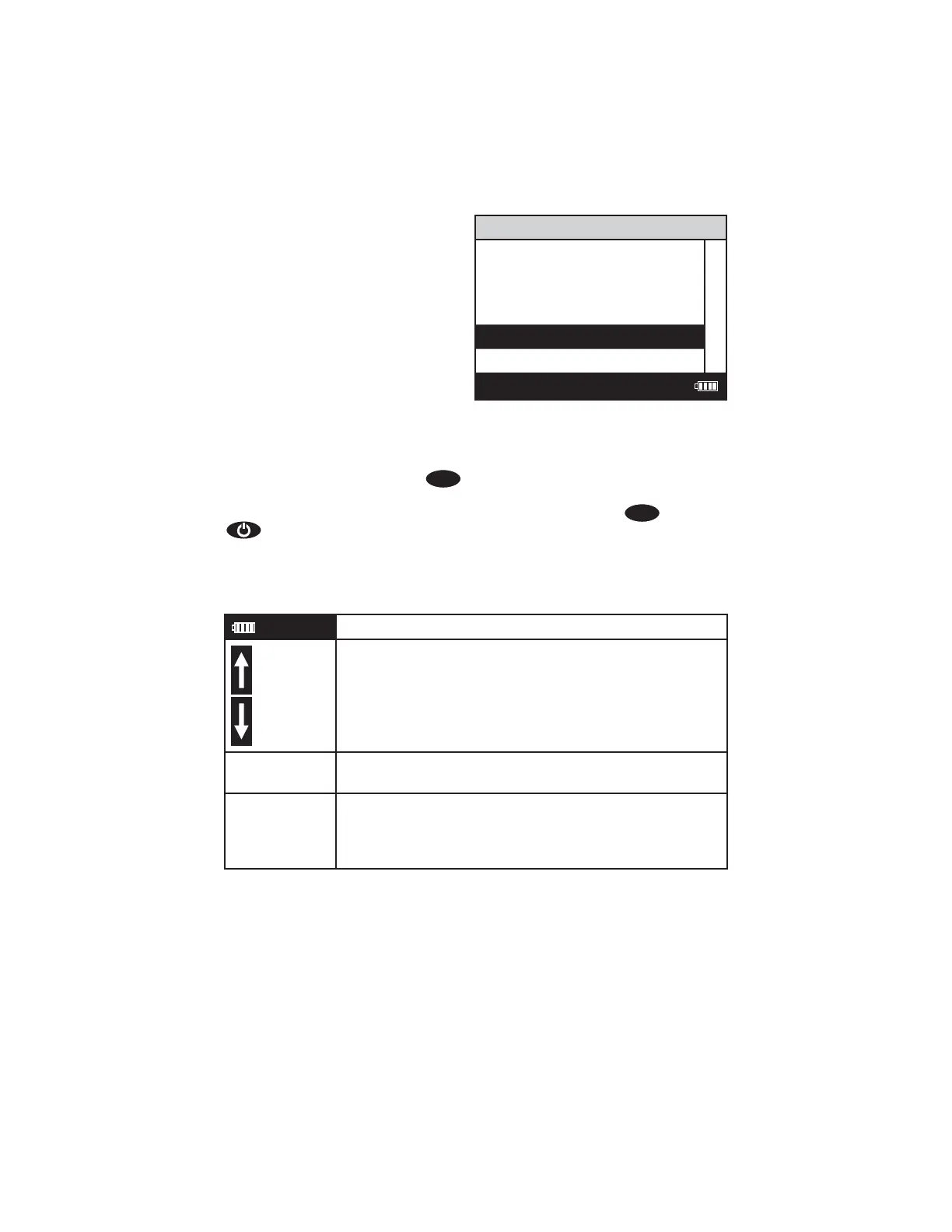
Header Menu Title
Message or Result Window
Result or
Message
Another
Main Window Selection And Another
F
ooter
12:00:00 001/500
And So On
Last Choice
As described previously, the
EXIT
button allows an exit or escape from the
current menu and a return to the previous menu. This allows a rapid exit from an
inner menu to the main menu by repeatedly pushing the
EXIT
button. Pushing
at any time will turn the SMART3 off.
The display may show the following messages:
Battery Status
More choices are available and can be viewed by
scrolling up and/or down through the display.
Header Identifi es the current menu and information on units
and reagent systems if applicable.
Footer In the data logging mode the number of the data point
is displayed and the total number of data points in the
memory will be shown. The footer also shows current
time and battery status
SMART3 Colorimeter 11.10 23
www.GlobalTestSupply.com
Find Quality Products Online at: sales@GlobalTestSupply.com















 To Next Page