EasyManua.ls Logo

LaMotte SMART3 - Page 44

LaMotte SMART3
264 pages
Print Icon
To Next Page IconTo Next Page
To Previous Page IconTo Previous Page
Loading...
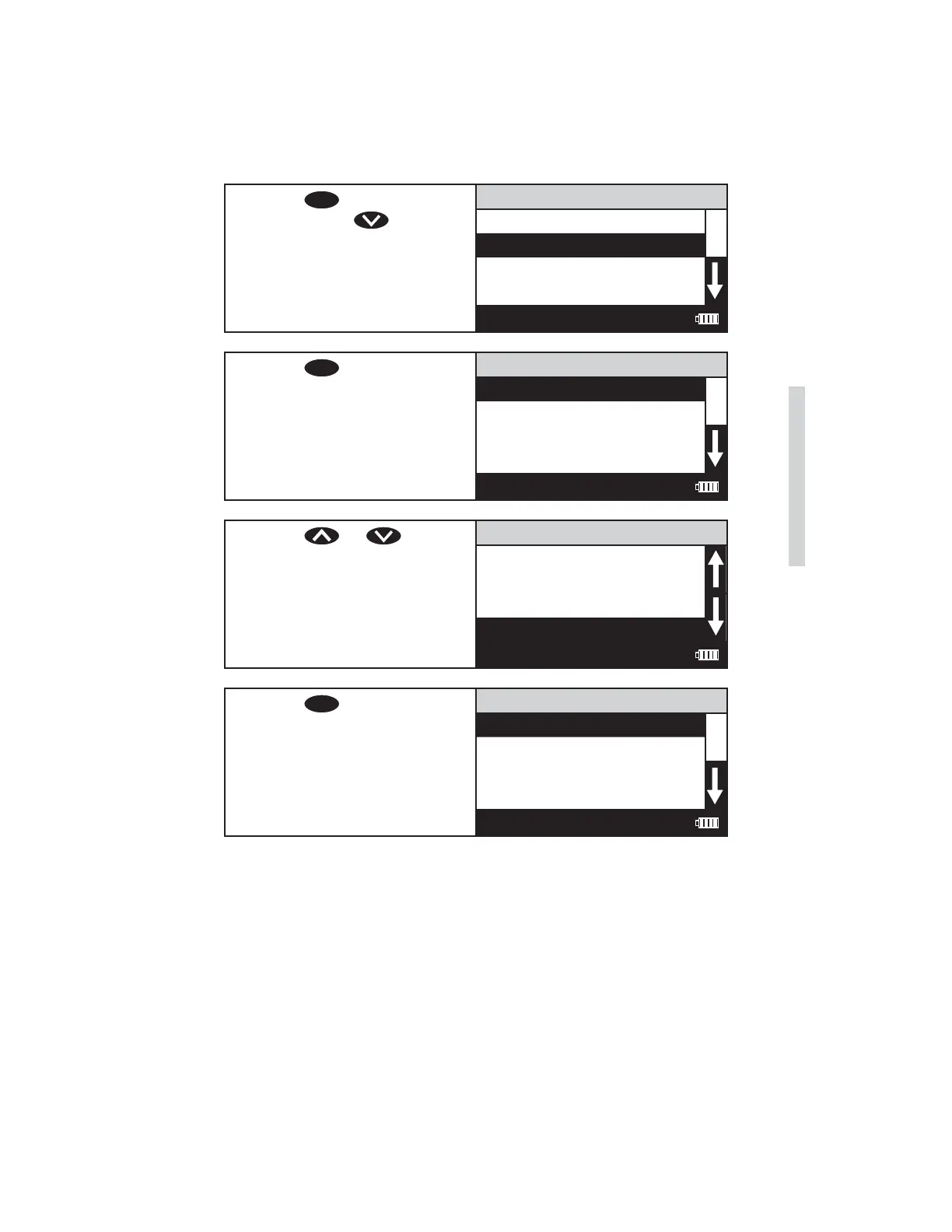
3. Press
ENTER
to select Editing
Menu. Press to scroll to
Edit User Test.
Editing Menu
Edit Sequences
Edit User Test
Set Clock
Logging
12:00:00 001/500
4. Press
ENTER
to select Edit
User Test.
Edit User Test
105 USER TEST 01
106 USER TEST 02
107 USER TEST 03
108 USER TEST 04
12:00:00 001/500
5. Press or to scroll
to the desired user test.
Edit User Test
108 USER TEST 04
109 USER TEST 05
110 USER TEST 06
111 USER TEST 07
12:00:00 001/500
6. Press
ENTER
to select the User
Test.
111 USER TEST 07
Name the Test
Select Vial/WL
STD Calibration
Enter Constants
12:00:00 001/500
SMART3 Colorimeter 11.10 43
Editing/Set Up
www.GlobalTestSupply.com
Find Quality Products Online at: sales@GlobalTestSupply.com

Other manuals for LaMotte SMART3

Related product manuals