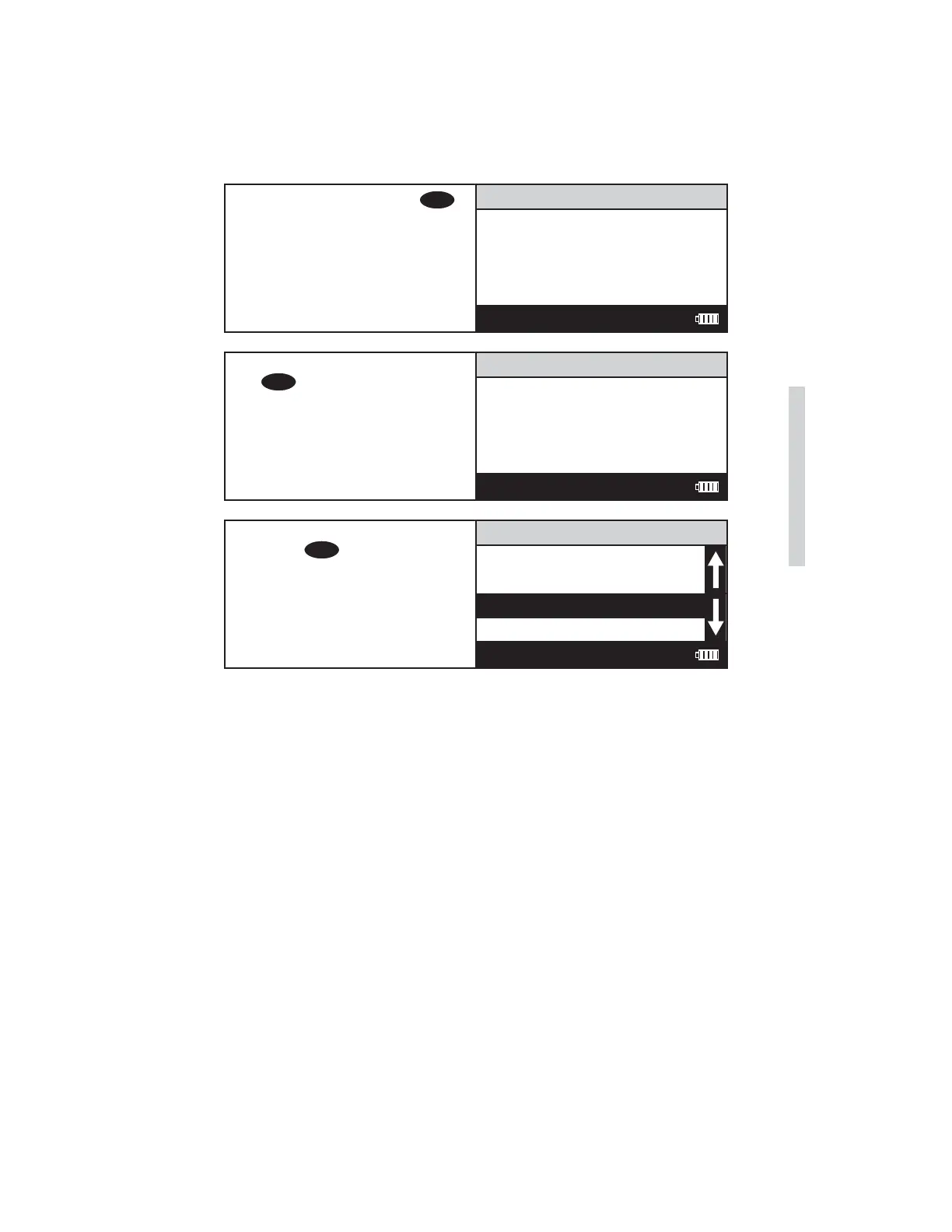
11. Insert the blank. Press
ENTER
.
The screen will display Blank
Done... for about 1 second
and the Insert Low Standard
screen will appear.
Insert Low Standard
<Enter> continue
12:00:00 001/500
12. Insert the low standard. Press
ENTER
. The screen will display
Reading... for about 1 second
and the Insert High Standard
screen will be displayed.
Insert High Standard
<Enter> continue
12:00:00 001/500
13. Insert the high standard.
Press
ENTER
. The screen will
display Reading... for about
1 second and the meter will
return to the Edit Test menu.
111 H2O
Name the Test
Select Vial/WL
STD Calibration
Enter Constants
12:00:00 001/500
SMART3 Colorimeter 11.10 51
Editing/Set Up
www.GlobalTestSupply.com
Find Quality Products Online at: sales@GlobalTestSupply.com















 To Next Page