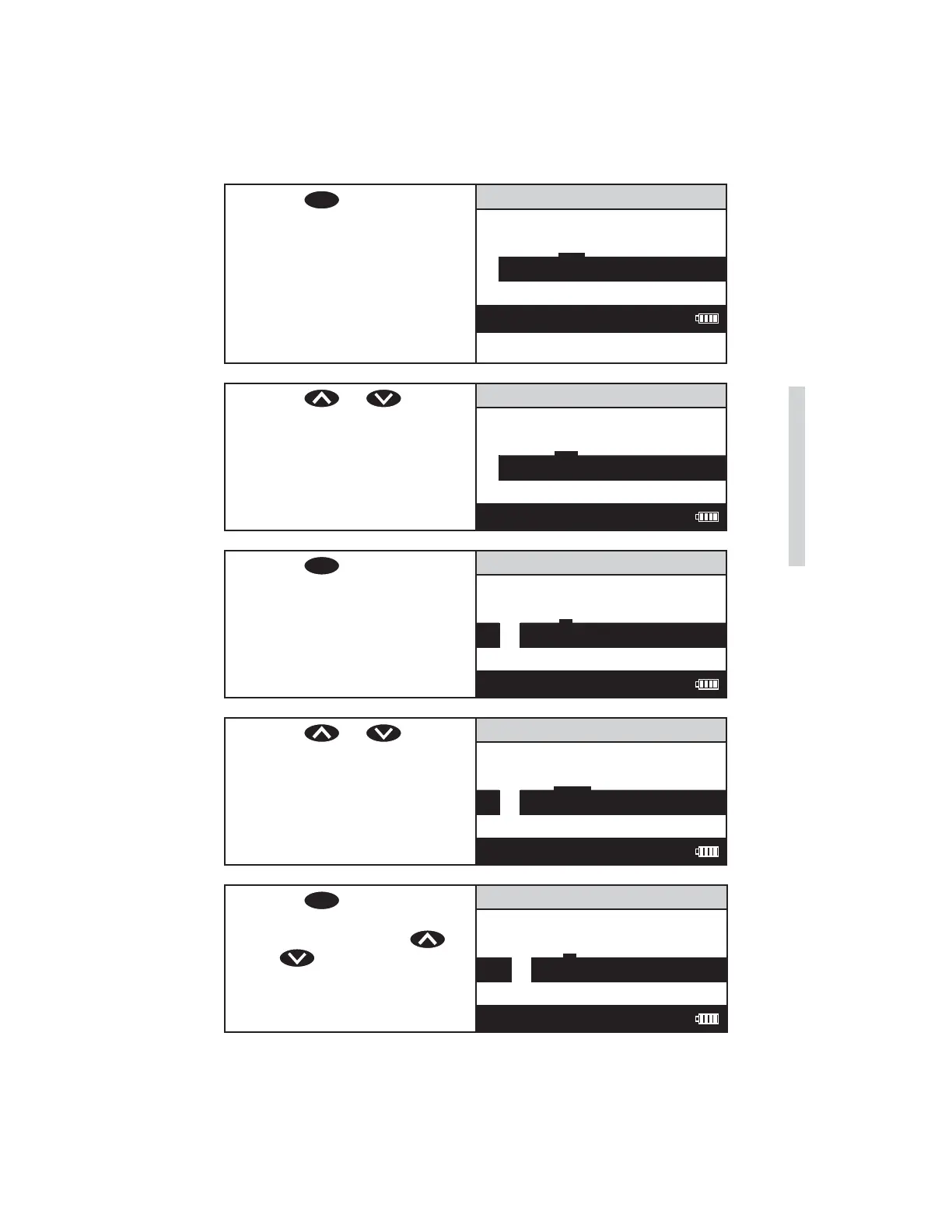
3. Press
ENTER
to begin entering
the values for the constants. A
reverse font (dark background
with a light character)
will appear to indicate
the character that will be
adjusted. The same character
will also appear in the center
of the display.
Enter K0
9 . – 0 1 2 3
0 .00000
12:00:00 001/500
4. Press or to scroll
to the fi rst character of K0. In
this example, – 0.049.
Enter K0
8 9 . – 1 2 3
0 .00000
12:00:00 001/500
5. Press
ENTER
to save the
character and move to the
next character.
Enter K0
7 8 9 . – 0 1
– . 00000
12:00:00 001/500
6. Press or to scroll
to the next character.
Enter K0
9 . – O 1 2 3
– . 00000
12:00:00 001/500
7. Press
ENTER
to save the
character and move to the
next character. Press
or
to scroll to the next
character.
Enter K0
7 8 9 . – 0 1
– 0 0 0000
12:00:00 001/500
SMART3 Colorimeter 11.10 53
Editing/Set Up
www.GlobalTestSupply.com
Find Quality Products Online at: sales@GlobalTestSupply.com















 To Next Page