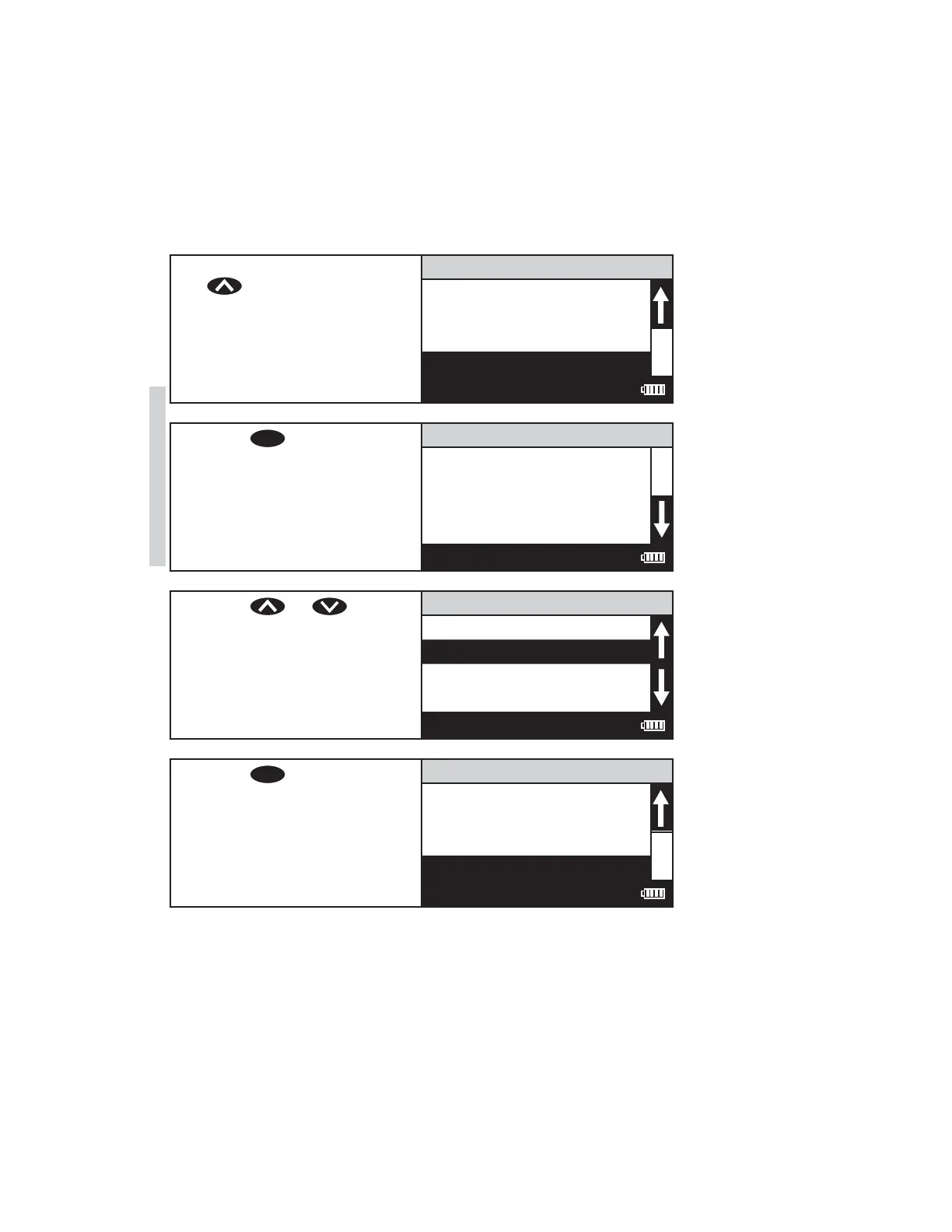
SELECTING THE UNITS OF CONCENTRATION
The SMART3 Colorimeter has seven options for units of concentration. They are
No Units, ppm, FAU, pH, ppb, ppt and mgL.
1. From the User Menu, press
to scroll to Select
Units.
111 H2O
STD Calibration
Enter Constants
Decimal Places
Select Units
12:00:00 001/500
2. Press
ENTER
to select Select
Units.
Select Units
No Units
ppm
pH
FAU
12:00:00 001/500
3. Press or to scroll
to the desired units.
Select Units
No Units
ppm
pH
FA
U
12:00:00 001/500
4. Press
ENTER
to select the
units. The screen will display
Storing... for about 1 second
and the meter will return to
the Edit Test menu.
111 H2O
STD Calibration
Enter Constants
Decimal Places
Select Units
12:00:00 001/500
56 SMART3 Colorimeter 11.10
Editing/Set Up
www.GlobalTestSupply.com
Find Quality Products Online at: sales@GlobalTestSupply.com















 To Next Page