User Guide User Guide
Page 6 PP307 Page 6 PP307
3.2 Introduction to Configuration
3.0 HARDWARE CONFIGURATION REQUIREMENTS
This section of the User Guide contains additional information to that found in
the SOLOnet Installation Guide (PP308), therefore it is recommended that the
two publications be cross-referenced when installation of the system is
implemented. Associated User, Assembly and Installation Guides provided with
any system accessories should also be refered to.
The following diagrams are only intended to give a range of examples illustrating
the flexibility of SOLOnet connectivity. Should the intended application differ
from those illustrated, please contact Land Instruments for information on how
SOLOnet can be configured to suit the specific requirement.
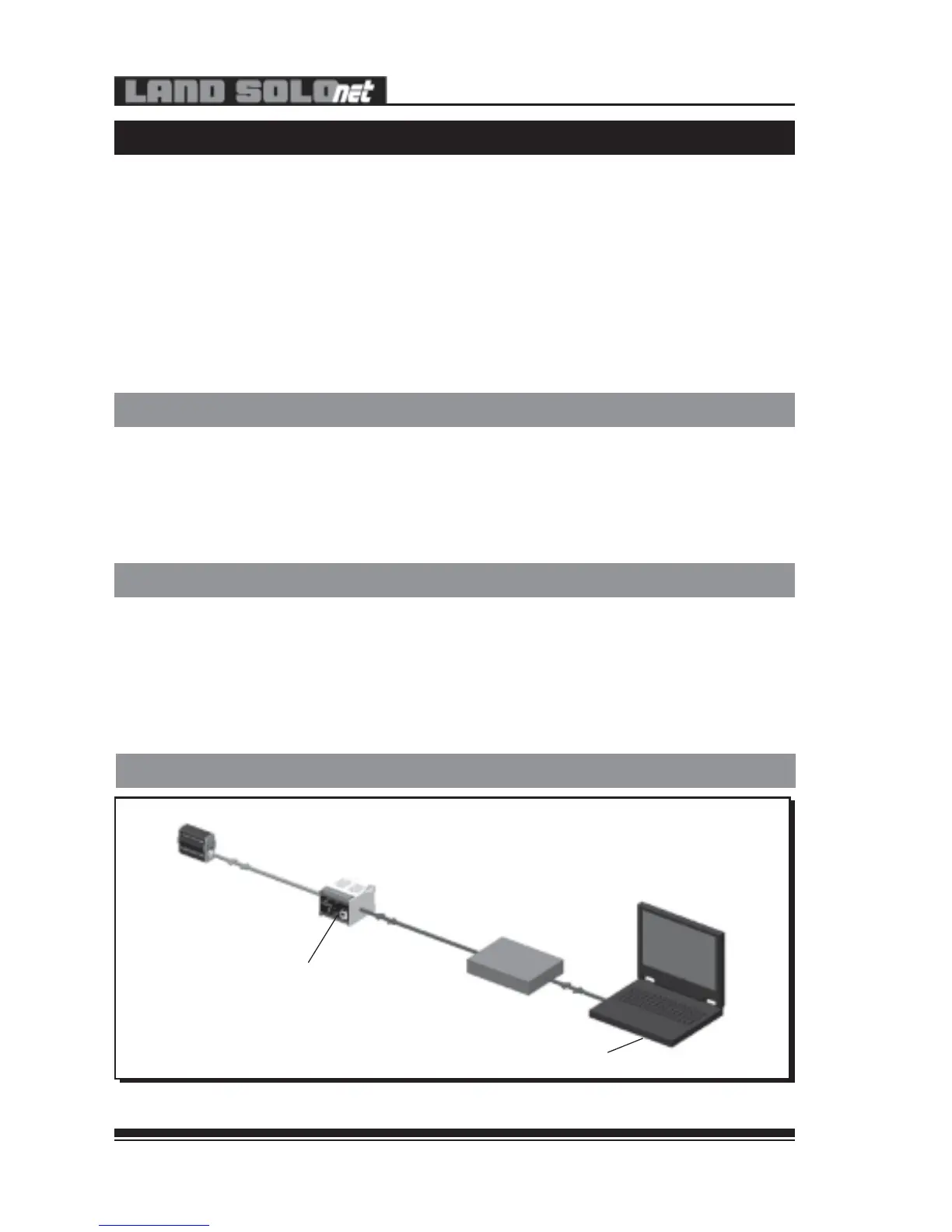
3.2.1 Web Browser Configuration - Via Network
307003
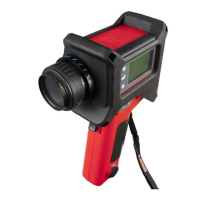
SOLOnet Thermometer
Thermometer Cable
‘Straight’ Patch
Cable
SN-W/E Interface Unit
Network Switch
Switch set to ‘Ethernet’
Laptop/PC with ‘Java Runtime’ Installed and ‘Proxy Server’ Enabled
Fig. 3 - SOLOnet Thermometer in Web Browser Configuration - Via Network
Most users may want to configure the thermometer to suit their own particular
requirements. Land SOLOnet thermometers provide various options for
instrument configuration. This section briefly describes the schemes available,
together with the minimum hardware requirements for ‘off-line’ configuration.
Any of these schemes may also be incorporated into full installations for
‘on-line’ configuration.
At the heart of a Land SOLOnet thermometer is a powerful digital core, capable
of handling internal signal conversions, controlling and monitoring I/O and
performing various temperature time functions. Built around this core are high
quality optical and mechanical parts, accessories and robust interface electronics,
which ensure trouble-free installation and reliable operation.
3.1 General Introduction
‘Straight’ Patch Cable
External 24V d.c. Power Supply
3.2 Introduction to Configuration
3.0 HARDWARE CONFIGURATION REQUIREMENTS
This section of the User Guide contains additional information to that found in
the SOLOnet Installation Guide (PP308), therefore it is recommended that the
two publications be cross-referenced when installation of the system is
implemented. Associated User, Assembly and Installation Guides provided with
any system accessories should also be refered to.
The following diagrams are only intended to give a range of examples illustrating
the flexibility of SOLOnet connectivity. Should the intended application differ
from those illustrated, please contact Land Instruments for information on how
SOLOnet can be configured to suit the specific requirement.
3.2.1 Web Browser Configuration - Via Network
307003
SOLOnet Thermometer
Thermometer Cable
‘Straight’ Patch
Cable
SN-W/E Interface Unit
Network Switch
Switch set to ‘Ethernet’
Laptop/PC with ‘Java Runtime’ Installed and ‘Proxy Server’ Enabled
Fig. 3 - SOLOnet Thermometer in Web Browser Configuration - Via Network
Most users may want to configure the thermometer to suit their own particular
requirements. Land SOLOnet thermometers provide various options for
instrument configuration. This section briefly describes the schemes available,
together with the minimum hardware requirements for ‘off-line’ configuration.
Any of these schemes may also be incorporated into full installations for
‘on-line’ configuration.
At the heart of a Land SOLOnet thermometer is a powerful digital core, capable
of handling internal signal conversions, controlling and monitoring I/O and
performing various temperature time functions. Built around this core are high
quality optical and mechanical parts, accessories and robust interface electronics,
which ensure trouble-free installation and reliable operation.
3.1 General Introduction
‘Straight’ Patch Cable
External 24V d.c. Power Supply



 To Next Page