User Guide User Guide
Page 40 PP307 Page 40 PP307
Factory Default Settings
IP Address = 10.1.10.200
Port Number = 2101
The unit is supplied with the IP address fixed, however the network settings of
the unit can be changed by entering the following into the web browser window:
http://10.1.10.200/home.htm
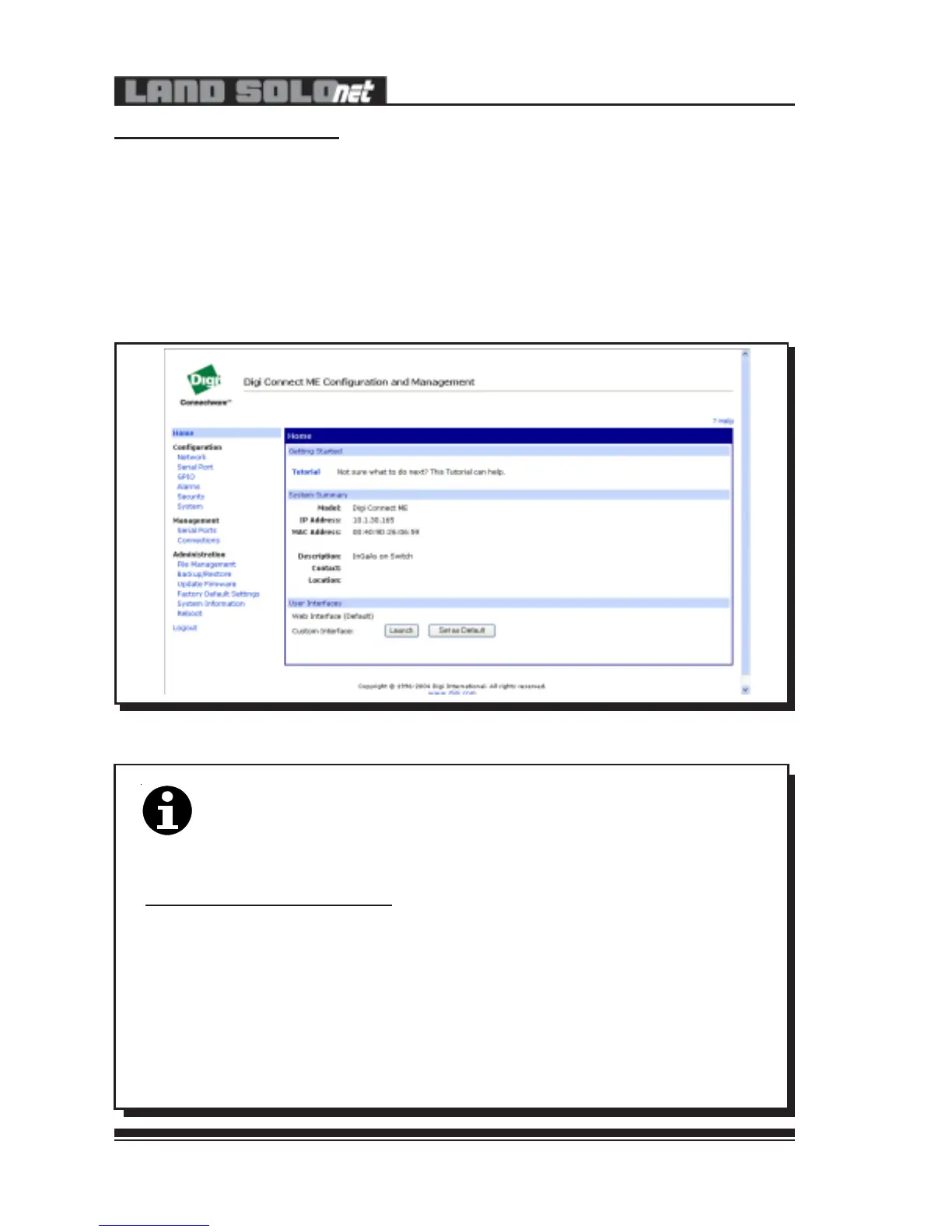
The following screen is displayed:
Fig. 36 - Digi Discovery Screen
307036
Note
Modification of network parameters should only be carried out by
experienced network users, as any incorrect settings could result in
the loss of communication or data.
Changing the IP addressing mode from fixed to dynamic (DCHP),
will cause the address to change and may cause a loss of
communication.
The ‘Device Discovery’ program (supplied on disk with the instrument)
can be used to find all connected units.
Factory Default Settings
IP Address = 10.1.10.200
Port Number = 2101
The unit is supplied with the IP address fixed, however the network settings of
the unit can be changed by entering the following into the web browser window:
http://10.1.10.200/home.htm
The following screen is displayed:
Fig. 36 - Digi Discovery Screen
307036
Note
Modification of network parameters should only be carried out by
experienced network users, as any incorrect settings could result in
the loss of communication or data.
Changing the IP addressing mode from fixed to dynamic (DCHP),
will cause the address to change and may cause a loss of
communication.
The ‘Device Discovery’ program (supplied on disk with the instrument)
can be used to find all connected units.


 To Next Page