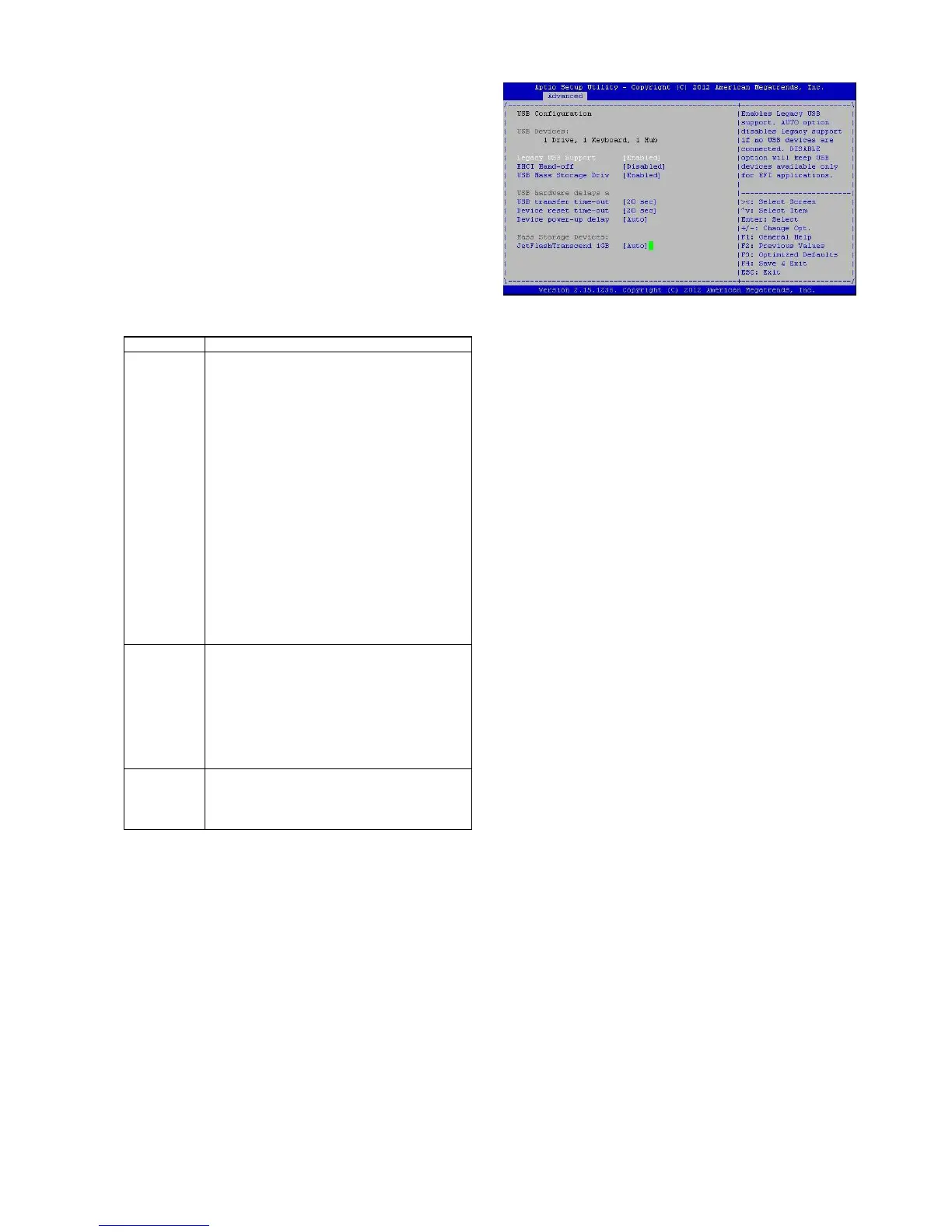
USB Mass Storage Driv
In this option, you can enable or disable the attached
USB drive to be used as the system’s hard drive.
USB Hardware Delays a
The menu sets delay time for USB operations.
Item Description
USB
transfer
time-out
set transfers to an endpoint to com-
plete within a specic time.
• If set to zero, transfers will not
time out because the host controller
will not cancel the transfer. In this
case, the transfer waits indenitely
until it is manually canceled or the
transfer completes normally.
• If set to a nonzero value (time-out
interval), the host controller starts a
timer when it receives the transfer
request. When the timer exceeds the
set time-out interval, the request is
canceled.
Device
reset time-
out
This option sets the reset timing for
the USB Mass Storage to be initial-
ized.
When set to 10 Sec, the BIOS will
wait for up to 30 seconds for the
USB ash drive to initialize.
Device
power-up
delay
This option sets the power-up tim-
ing for the USB Mass Storage to be
initialized.



 To Next Page