30
To reduce the risk of personal injury, electric shock, or damage to the system, please remove all power
connections to shut down the device completely. Also, please wear ESD protection gloves when conducting
the steps in this chapter
.
To access some components and perform certain service procedures, you must perform the following
procedures first.
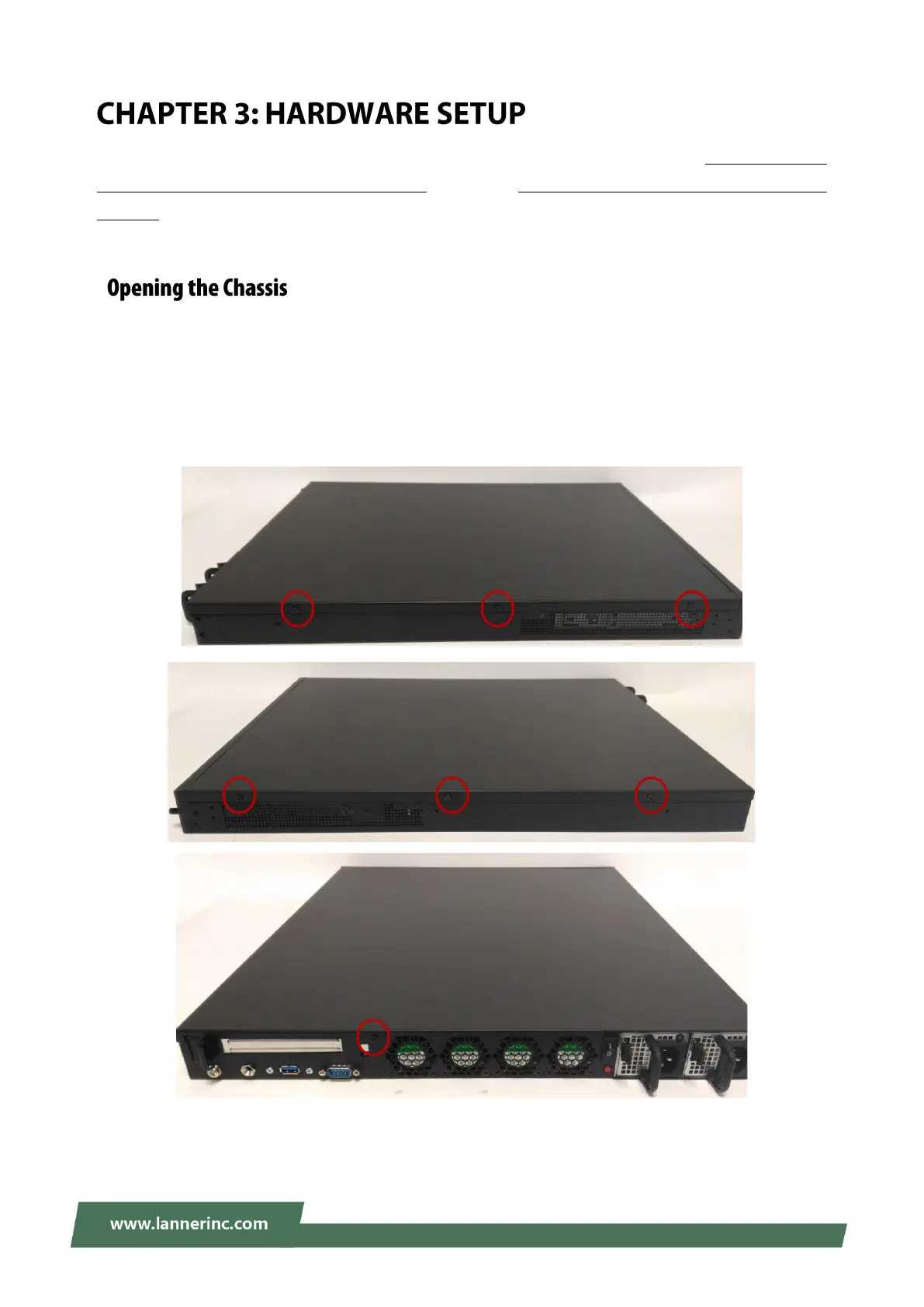
1. Power off NCA-5210 completely.
2. Remove three (3) screws from each sides and one (1) screw from the rear, as circled in the figures below.



 To Next Page