Chapter 2: Hardware Installation
36
Please do follow the memory module installation instructions to install the DIMMs, and make sure
At least one CPU is installed
If two CPUs are installed, install at least 1 DIMM for JCPU0.
Try to split the DIMMs evenly across the CPUs.
Please use memory modules of the same capacity, speed and from the same manufacturer to avoid
compatibility issues.
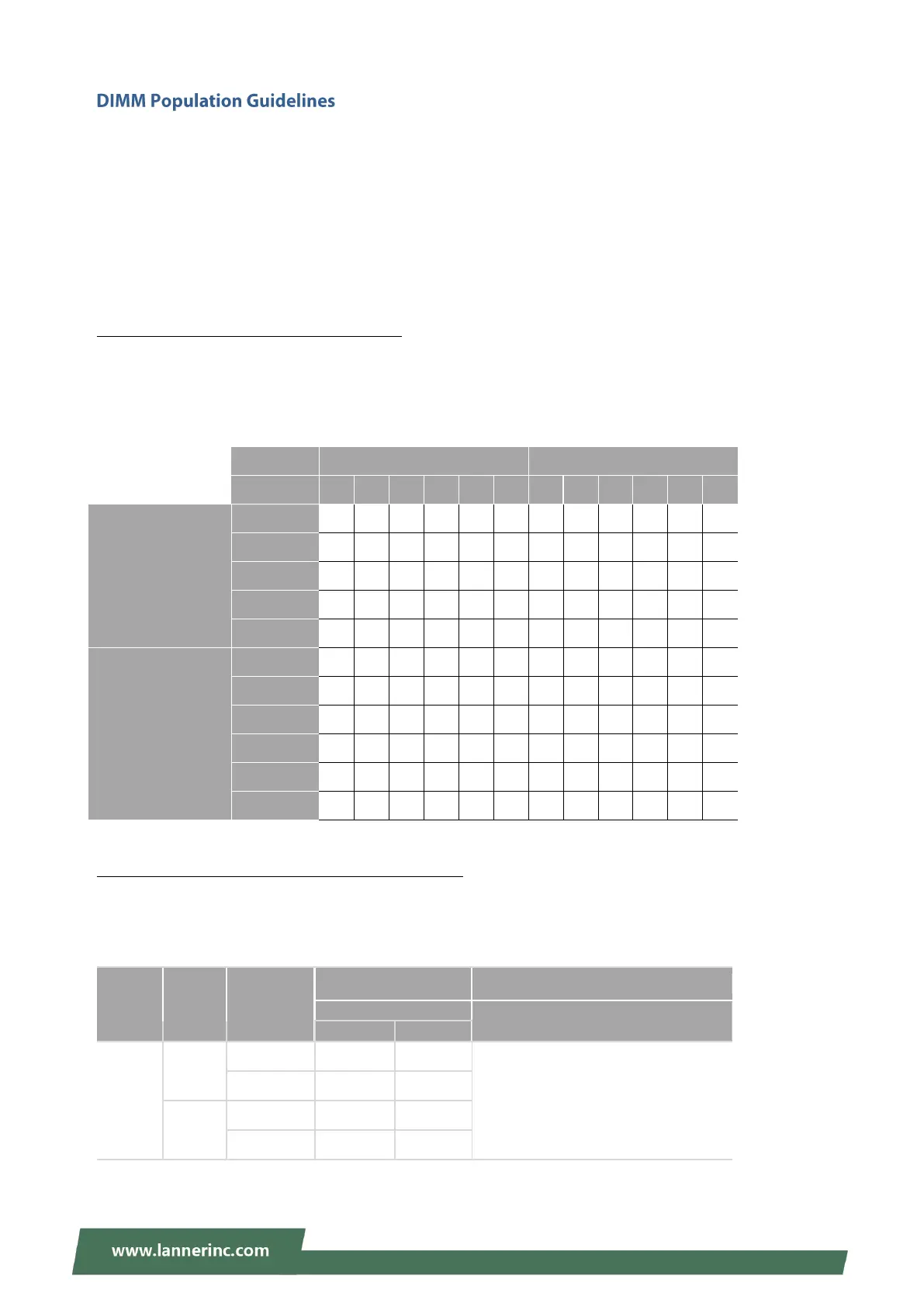
Recommended DIMM Population Scheme
The table below shows the recommended schemes for DIMM population. To guarantee balanced system
performance, please install identical DIMMs of the same capacity, speed, number of ranks, and from the
same manufacturer.
DDR4 Memory Support vs. System Memory Speed
The table below lists the supported DDR4 types and the theoretical overall system memory speed. For
optimal system speed, please install identical DIMMs of the same capacity, speed, number of ranks, and
from the same manufacturer.
Voltage (V): 1.2V
1 DIMM per Channel
Number of DIMMs
Installed
for 1 CPU
Number of DIMMs
Installed
for 2 CPUs



 To Next Page