3: Installation of UDS1100
UDS1100 Device Server User Guide 16
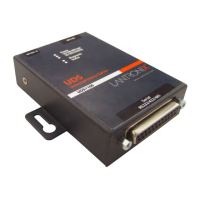
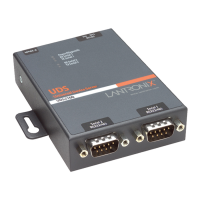
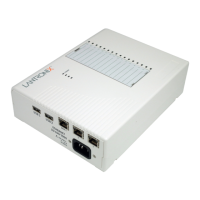
Figure 3-2. Standard UDS1100 Connected to Serial Device and Network
To install the unit:
Complete the following steps in order. Refer to the numbers in the figure above.
Note: See the sections that follow for details about connectors and
pinouts.
1. Connect a serial device to your unit.
2. Connect an Ethernet cable to the RJ45 port.
3. For the UDS1100-POE version, power is supplied to your unit over the
Ethernet interface using an 802.3af POE-compliant power source such as a
POE mid-span or POE Ethernet switch.
4. For non-POE UDS1100 unit, supply power to your unit using the power
supply that was included in the packaging.
Note: The required input voltage for the non-POE UDS1100 is 9-30
VDC (center +) or 10-24 VAC (1.5W maximum power required).
5. Supply power to the serial device.
Note: If you encounter a problem, please see LEDs for diagnostic
information.



 To Next Page
 Loading...