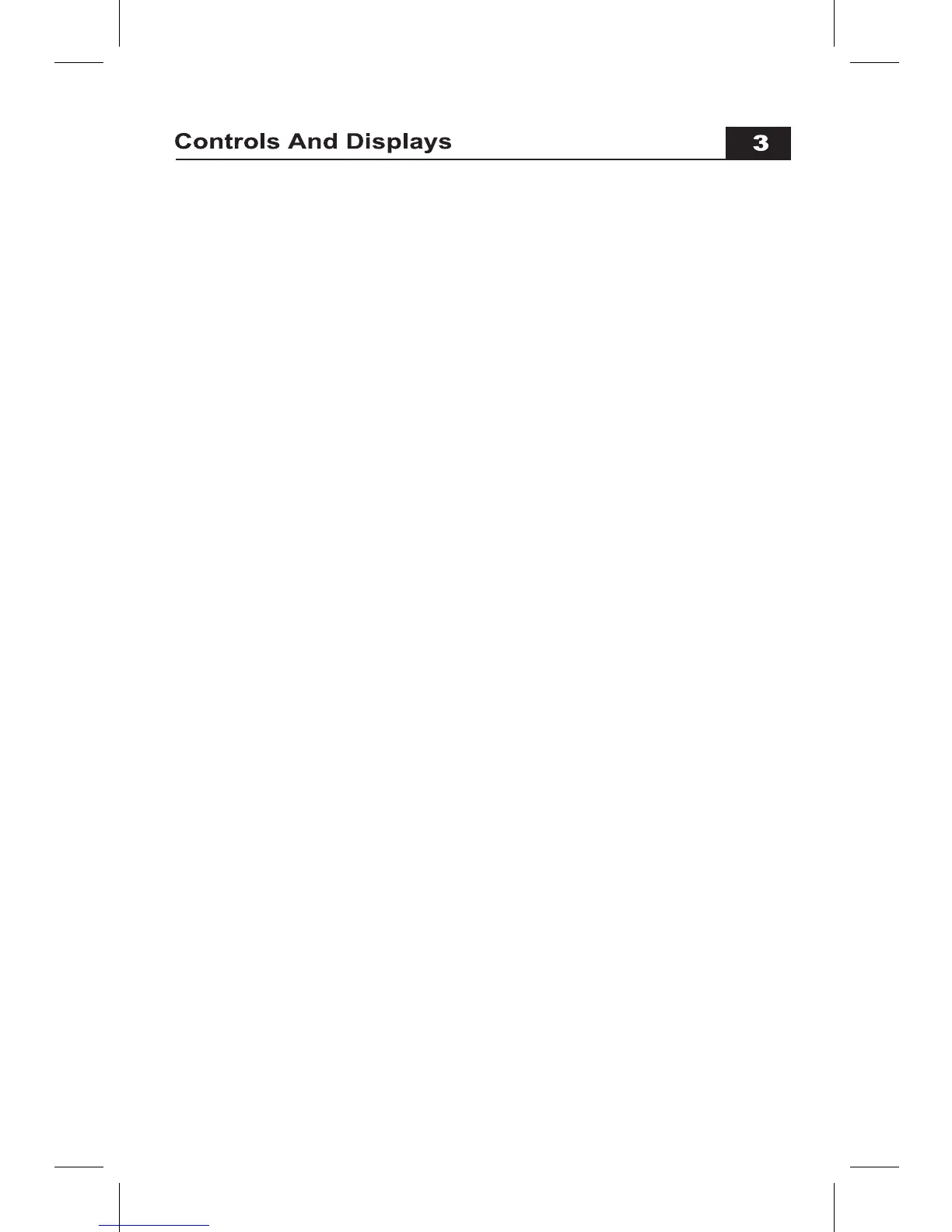
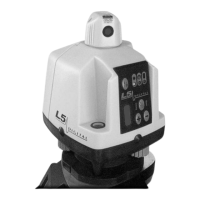
Laser Controls
• Alignment Sights are used to align the slope axis of the laser.
• Power Switch turns the laser on and off.
• X axis Leveling LEDs: green LED lights when unit is leveling, both red
LEDs (X & Y axis) flash if a leveling limit is reached.
• Y axis Leveling LEDs: green LED lights when unit is leveling, both red
LEDs (Y & X axis) flash if a leveling limit is reached.
• Y Axis Manual LEDs: amber LED lights when in Slope Matching mode, red
LED flashes (with X red LED) if leveling limit is reached.
• Power LED is lit green when unit is on. When the laser finishes leveling,
the LED will flash 5 times, indicating that the Height Alert is active.
• Battery Life Indicator flashes amber when battery power is low.
• Rotation Speed Button toggles between high and low speeds. Rotation
speed LED is lit when unit is set to high speed.
• Manual Slope Switch, a deliberate (1/2 second) press and release will set
the laser into manual grade matching mode.
• Manual Slope Control Switches are used to tilt the laser plane to the
desired slope.
Receiver Controls & Displays
• Power Switch turns receiver on & off
• Volume Switch toggles sound from high to low to off.
• On Grade Accuracy Switch toggles from standard to fine to coarse.


 To Next Page