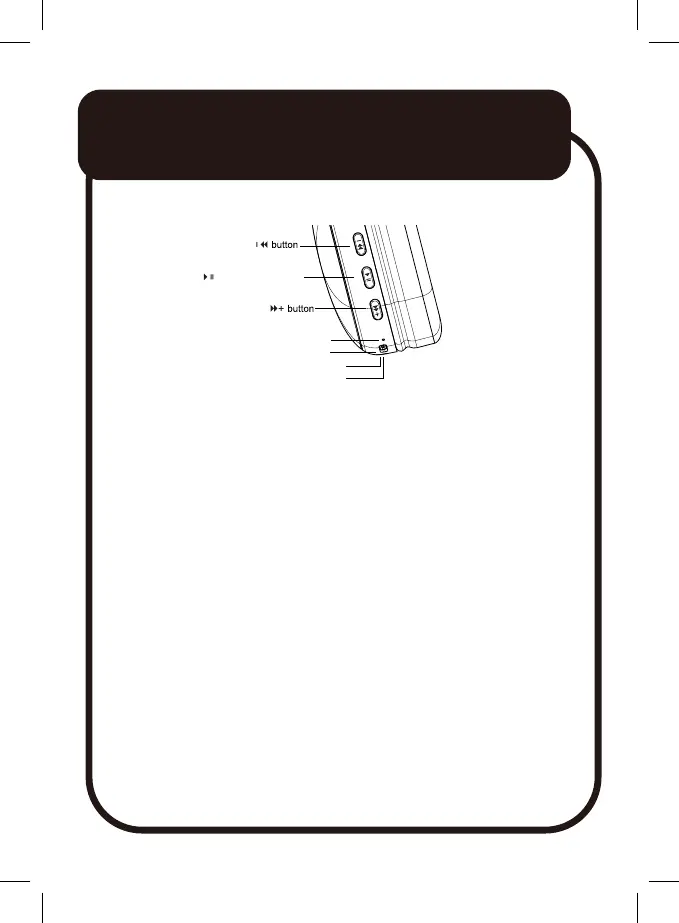
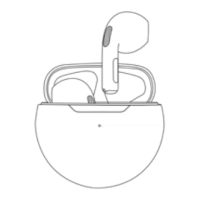
Play/Pause button
Indicator light
USB-C Chargeing port
3.5mm Aux port
Microphone
Controls and Ports
Charging
ⓘ Fully charge the headphones before first use.
ⓘ Switch off headphones before recharging.
ⓘ Disconnect the cable when fully charged.
Use the supplied cable. Connect the USB-C jack to the
headphones.
Connect the other end to a USB power source.
The indicator light will turn red when charging; it will turn off when
charging is done.
A USB power adaptor (5V 1A, not included) is recommended for
charging, or a PC/laptop USB port can be used.
Bluetooth
Pairing
1. Turn on the headphones by pressing and holding Play/Pause
button for 3 seconds.
2. Enable Bluetooth on your connecting device. It will search for
nearby Bluetooth devices.
HEADPHONES
3


 To Next Page