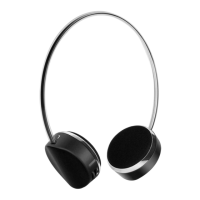
HEADPHONES
Activate the voice assistant
Double press the Play/Pause button to activate voice assistant.
Double press the Play/Pause button again to quit.
Disconnecting/Unpairing:
1. To disconnect, turn off your connected device’s Bluetooth or the
headphones.
2. To unpair (remove the connection entirely), go to your connected
device’s Bluetooth settings, find the headphones on the list of
paired devices, and select “Forget” or “Unpair”.
ⓘ The headphones only connect to one device at a time.
AUX Input
1. Plug one end of the auxiliary cable (3.5mm audio cable; not
supplied) into the headphone jack of the external device.
2. Plug the other end to the AUX port of the headphones.
3. Start playing music from the external device.
Specifications
Bluetooth version: v5.3
Battery capacity: 200mAh
Effective distance: 10M
Play time: Up to 20 hours
Charging time: Approximately 2 Hours
5


 To Next Page