EasyManua.ls Logo

Laser eBook-EB370 - User Manual

Laser eBook-EB370
18 pages
Print Icon
To Next Page IconTo Next Page
Loading...
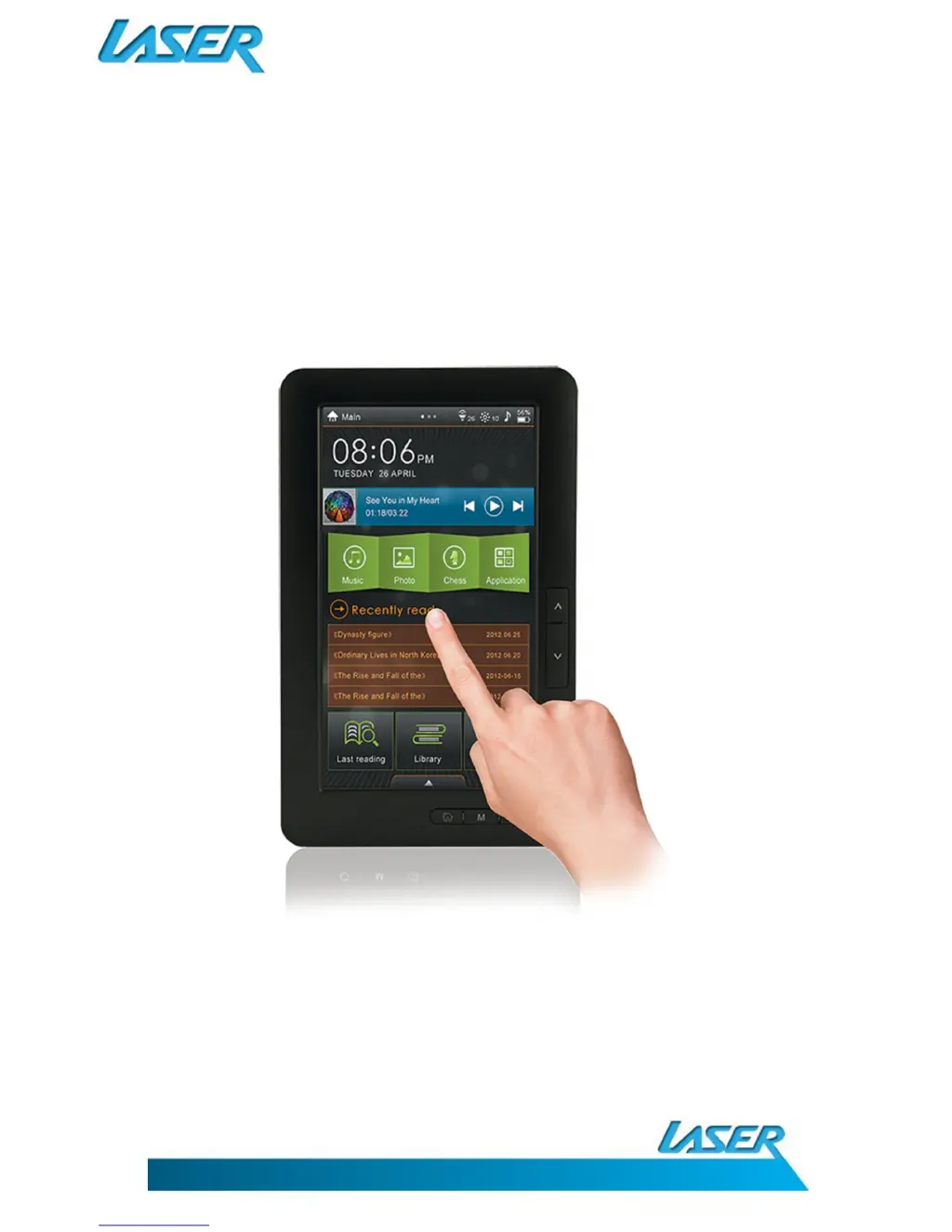
USER MANUAL eBook-EB370
1
Please read carefully before use

Questions and Answers

Summary

Important Safety Instructions and Precautions

What Do the Buttons Do?

What Does the Rear Connection Panel Look Like?

Whats in the Box

Power On;Power Off

Connecting to a Computer; File Management

Initial Charge and Subsequent Charges

Default Folders

Using the Micro-SD Card (Not Supplied)

Operating Your Ebook Screen Slide Panels

Tool Bar Icons

Viewing an Ebook - Short Cut Icons

Viewing an Ebook - Function Buttons

FM Radio

Movie Viewing

TV-Out Function

Music Playing

Music Toolbar Icons

Viewing Photos

Recorder (Voice)

Calendar

Settings

Specifications

How to Read a DRM Ebook

Adding Books Using Adobe Digital Editions

Authorizing Your Ebook with Adobe

Trouble Shooting; Q & A

Warranty Against Defects

How to Make a Product Warranty Claim:

Summary

Important Safety Instructions and Precautions

What Do the Buttons Do?

What Does the Rear Connection Panel Look Like?

Whats in the Box

Power On;Power Off

Connecting to a Computer; File Management

Initial Charge and Subsequent Charges

Default Folders

Using the Micro-SD Card (Not Supplied)

Operating Your Ebook Screen Slide Panels

Tool Bar Icons

Viewing an Ebook - Short Cut Icons

Viewing an Ebook - Function Buttons

FM Radio

Movie Viewing

TV-Out Function

Music Playing

Music Toolbar Icons

Viewing Photos

Recorder (Voice)

Calendar

Settings

Specifications

How to Read a DRM Ebook

Adding Books Using Adobe Digital Editions

Authorizing Your Ebook with Adobe

Trouble Shooting; Q & A

Warranty Against Defects

How to Make a Product Warranty Claim:

Laser eBook-EB370 Specifications

General IconGeneral
BrandLaser
ModeleBook-EB370
CategoryeBook Reader
LanguageEnglish

Related product manuals