USER MANUAL eBook-EB370
7
VIEWING AN EBOOK – SHORT CUT ICONS
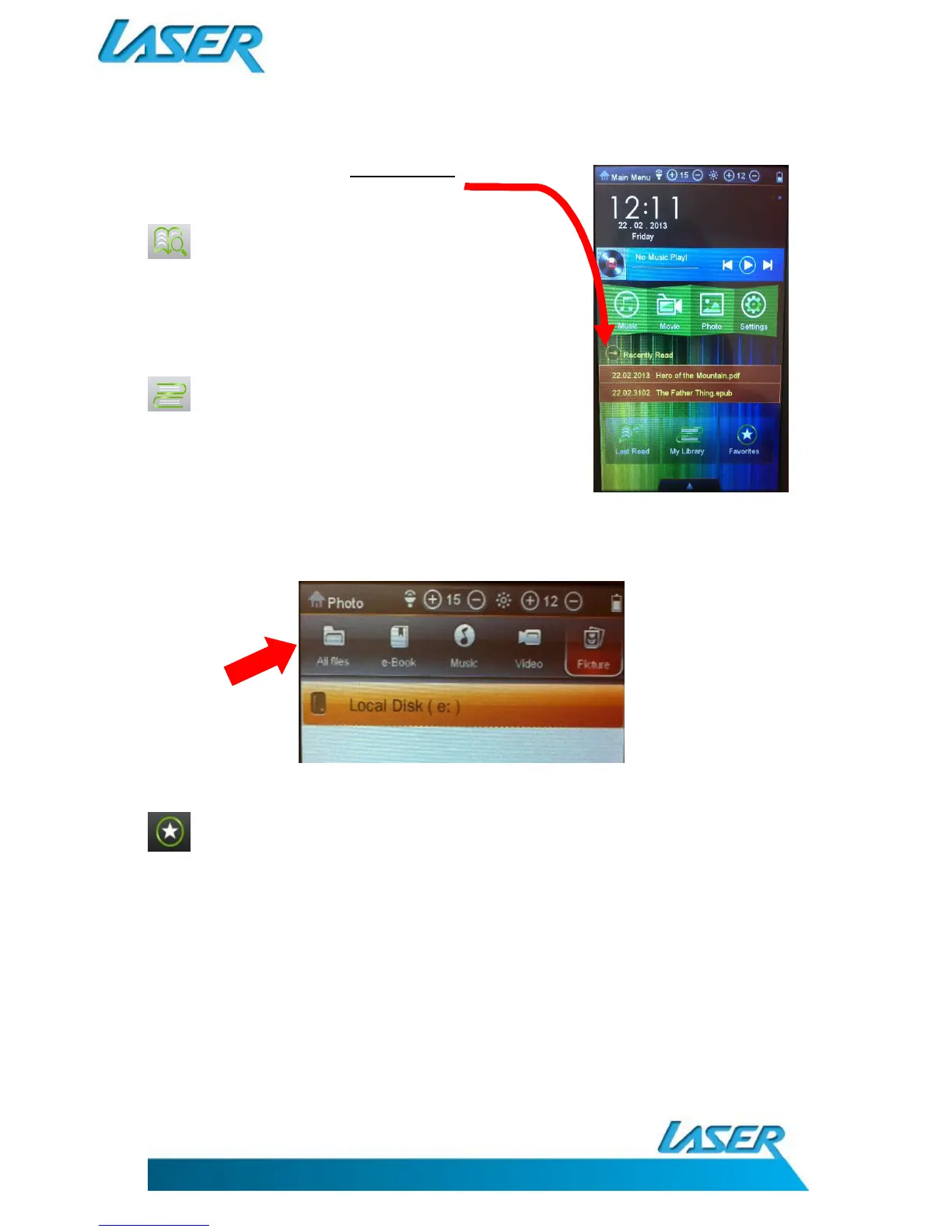
Note: You can choose from the last two eBooks you have read
from the shortcut bar.
LAST READ Tap this icon to choose from an eBook
list, which you have read previously.
Note: This view shows all previous titles even if they have been
removed from your memory. You can factory reset your device to
clear these entries where required.
MY LIBRARY Tap this icon to search for all e-Books.
Then select your eBook file type from the
top of screen. The selections are ALL
FILES, TXT, PDF, EPUB and OTHER. You
are then presented with the memory
location from which to search for these files types.
.
FAVOURITES Tap this icon to enter into your favourite books



 To Next Page