USER MANUAL eBook-EB370
12
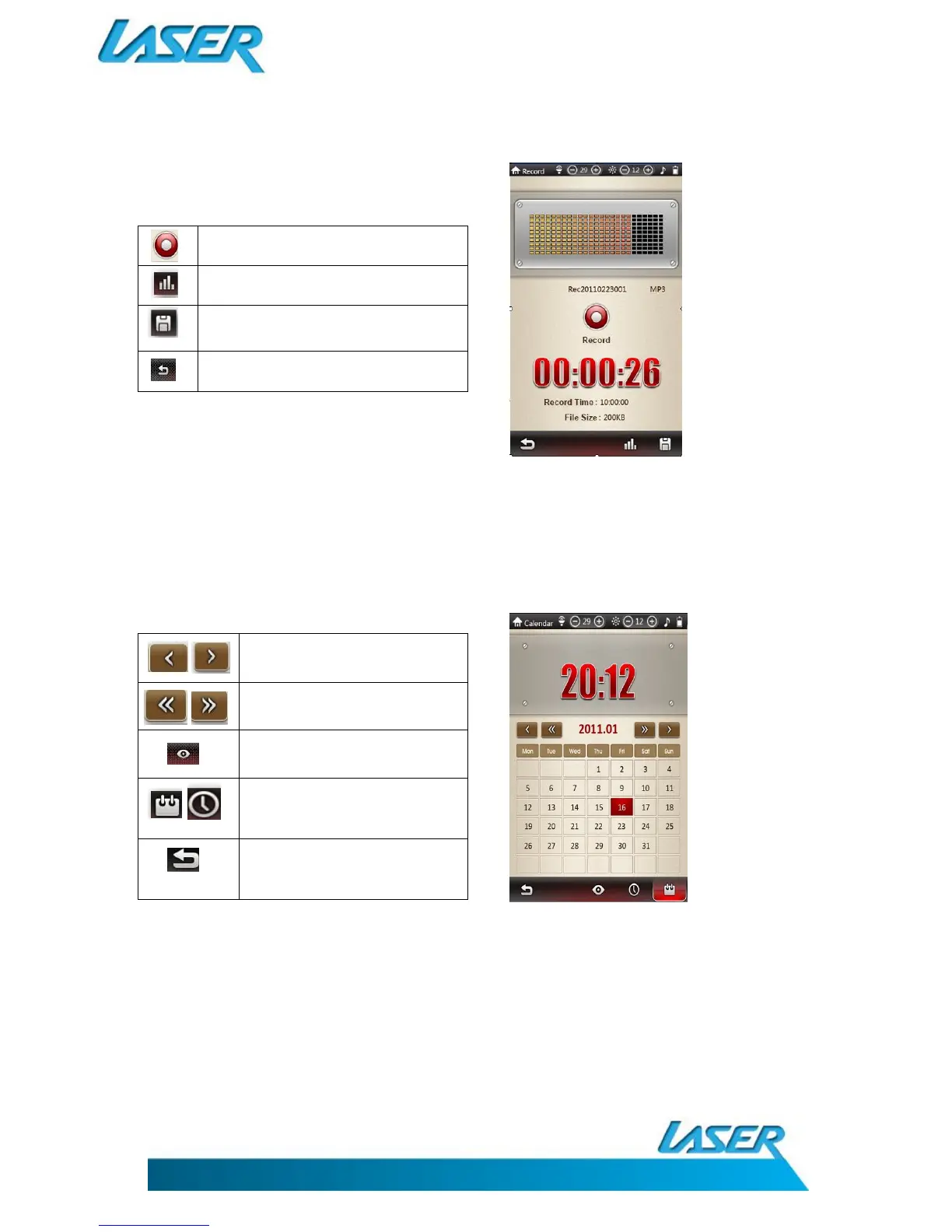
RECORDER (VOICE)
Recording quality display bar
Record current file (file name and
details then reset for next recording)
To return to the previous menu
Note: To playback the recorded files, go to
Music, then choose Local Disc, then Record Folder
CALENDAR
Click to adjust the month.
Click to adjust the year.
Click to return to the current
date
Click and to set the time and
date
Click to return to the previous
menu



 To Next Page