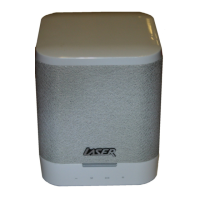
QUICK USER MANUAL SPK-WFQ10
9
DIRECT MODE
Power on the speaker and the speaker will enter Searching Mode.
Or Press the SET (RESET/ WPS MODE) button for 5 seconds in order to switch the speaker to Searching
mode.
Wait about 1-2 minutes and then connect the smart device (phone or tablet) directly to the speaker by
going to available Wi-Fi connection and connecting to “LASER_WFQ10”.
Note: When using direct mode, please remember to switch off the ‘Auto-Login’ and ‘Auto-Join” function on
smartphone, to avoid smartphone trying to connect with a valid network.
AUXILIARY INPUT
Connect an audio device via the AUX port (Auxiliary) on the back of the speaker using a 3.5mm jack cable.
The LED indictor will change to orange.
Note: For best sound reproduction use the audio cable supplied.
Note: The speaker will revert back to the previous Wi-Fi mode when there has been no audio signal after 1
second.
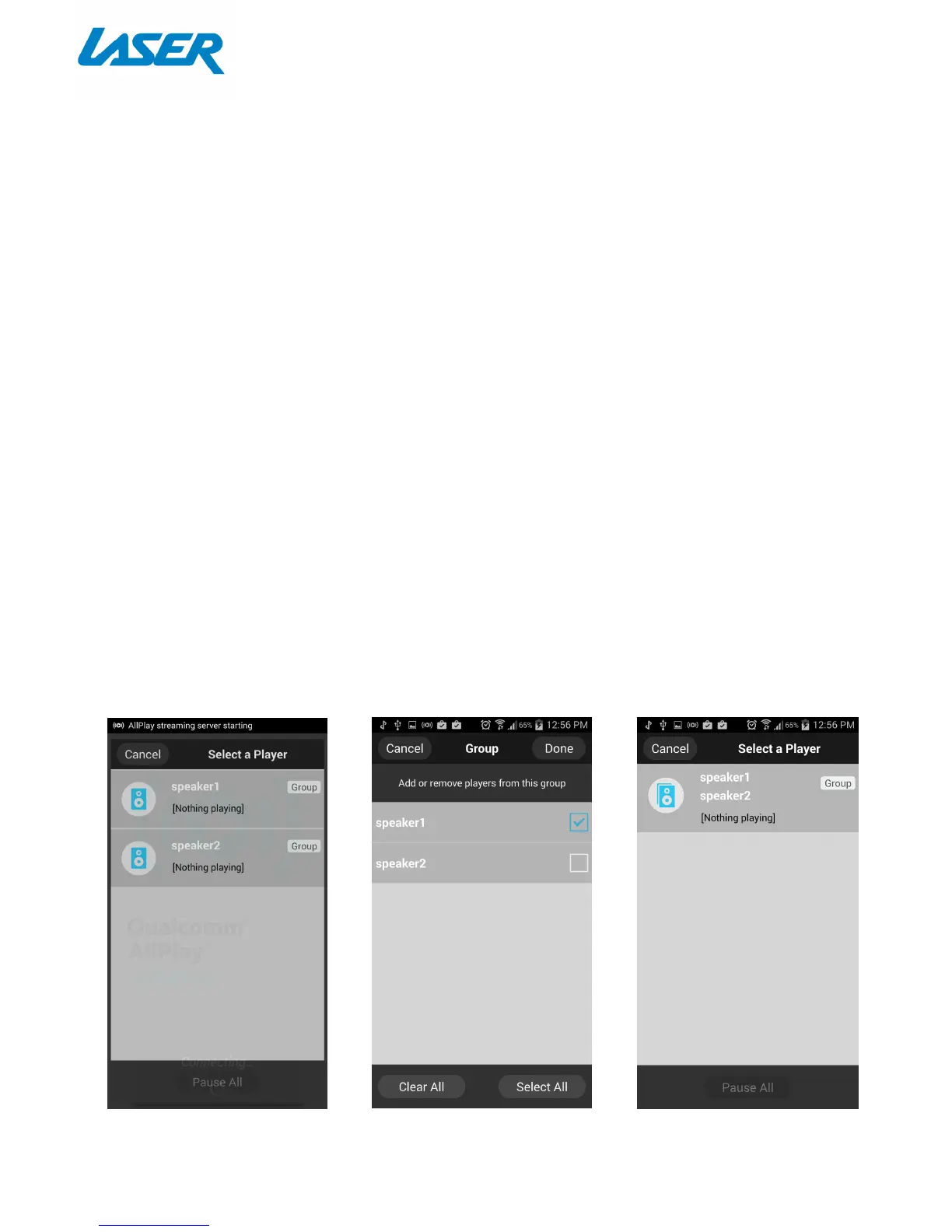
GROUPING SPEAKERS
If you wish to connect speakers together to play the same audio, you can group speakers together.
1 Press the Group button
2 Select the speaker you wish to Group together.
3 Select done when finished.


 To Next Page
 Loading...