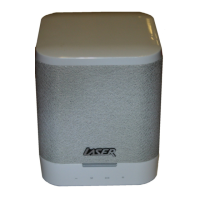
QUICK USER MANUAL SPK-WFQ10
11
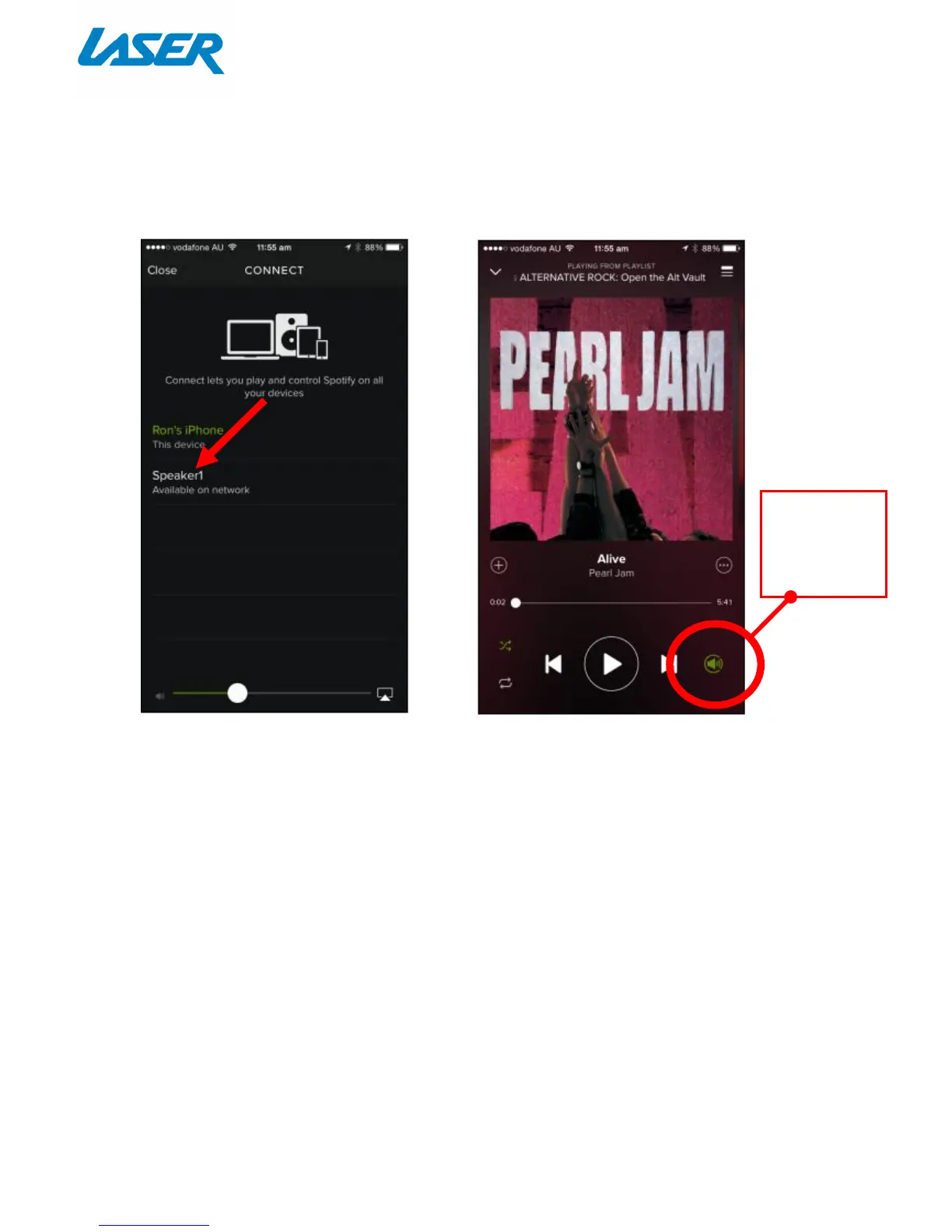
Please note: The speaker icon at the bottom right of the screen will be coloured
GREEN (premium accounts only) to indicate your speaker is connected to the
Spotify App for Wi-Fi music playback.
Please note: To reconnect and disconnect playback from the Wi-Fi speaker,
simply press this speaker icon.
RESTORING FACTORY SETTINGS
To reset the device back to default factory settings, press and hold the SET button for 5 seconds. The LED
indicator will then change to GREEN, then to solid WHITE to indicate that the speaker is now ready to
connect to a network.
Note: This process may take up to 1-2 minutes to fully reset.
The Spotify App will then open to the
CONNECT screen. Then select your
Wi-Fi Speaker for music playback.
The Spotify music playback screen will
then open where you can playback
your music.
Premium
account
holders only

 To Next Page
 Loading...