22
37
38
CHANGE SET
3
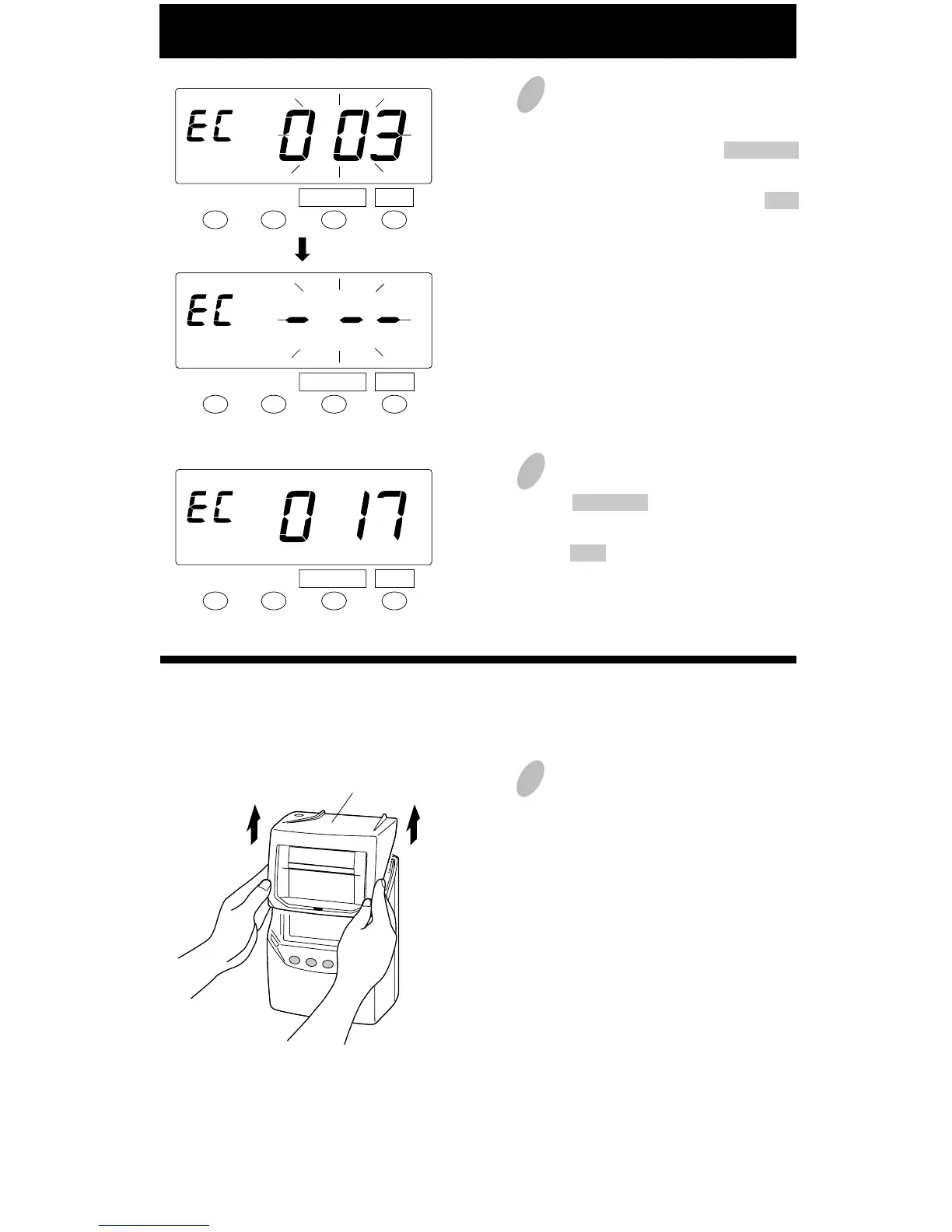
After the numbers of cards are
shown, in the example, insert the
card "003" or push the CHANGE
button to show the card number
"003" and then push the SET
button.
4
Next insert the card "017" or push
the CHANGE button to pick a new
card number "017" and then push
the SET button.
When the card number is changed,
this mode will finish.
CHANGE SET
CHANGE SET
1
Remove the cover.
Cover
All cards reset
You want to reset all cards manually.......



 To Next Page