Personnel:
Operating personnel
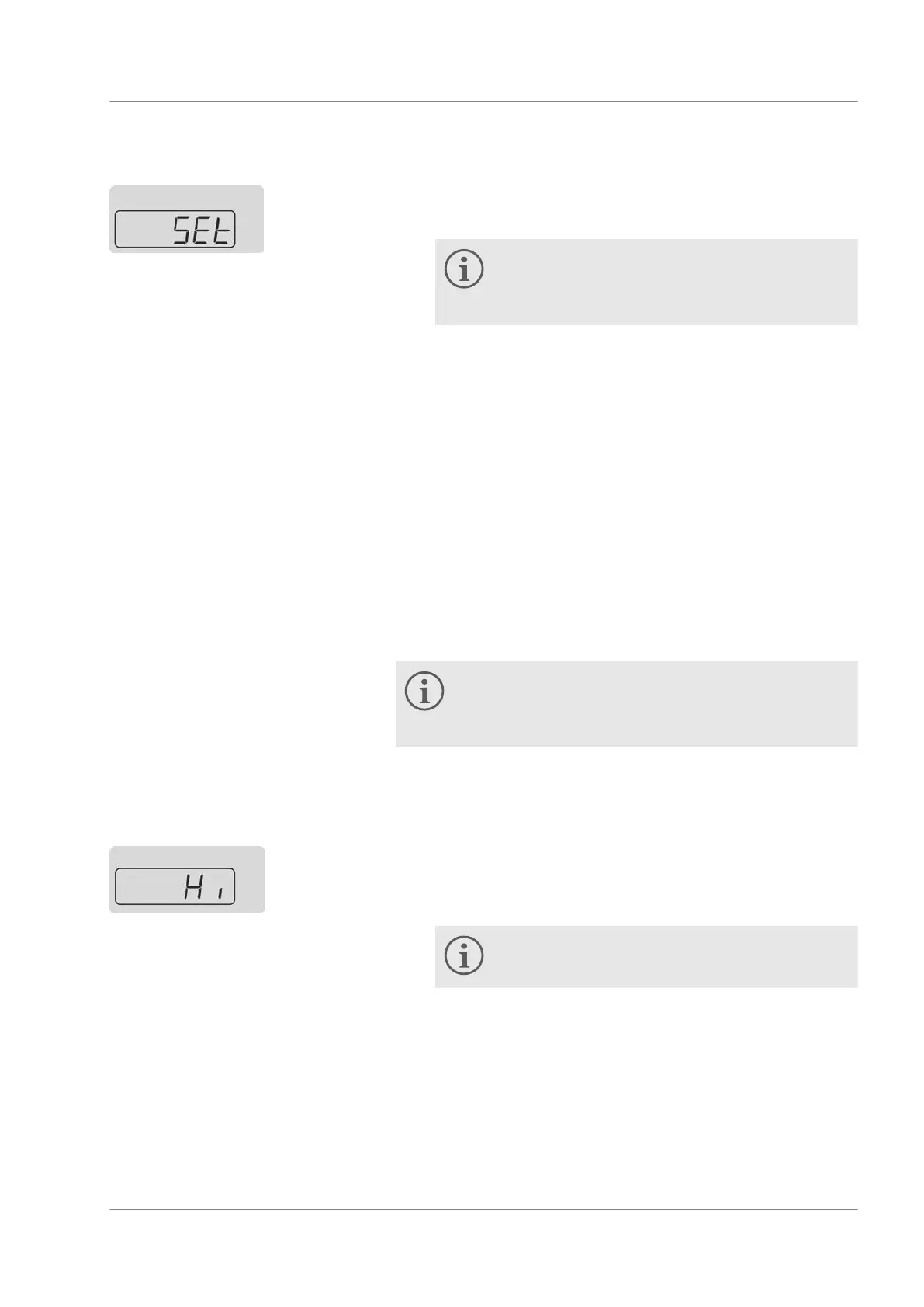
1. Select the menu item for specifying the temperature setpoint.
2. Specify the setpoint.
If the entered setpoint is outside the specified tem-
perature limit values, the value cannot be
adopted. Editing mode is active. An audible signal
is also output. You can input the setpoint again.
3. Confirm with the ENTER button.
6.5
Restricting temperature limit values
The range of the temperature limit values must be restricted for
safety reasons. These two values depend on the heat transfer
liquid used. The default settings of
45.0 °C and
5.0 °C stored in the
device cannot be changed.
Practical temperature limit values are:
Aqua 90 - Set the range to the values 42 °C and 3 ℃.
Kryo 30 (water /
glycol)
- Set the range to the values 42 °C and
-12 ℃.
By adjusting the temperature limit values, the configu-
rable setpoint range is automatically limited to as 2 °C
below the upper temperature limit and 2 °C above the
lower temperature limit.
Personnel:
Operating personnel
1. Select the menu item for the upper temperature limit value.
2. Confirm with the ENTER button.
3. Specify the upper limit value.
The maximum value of the upper limit is 45 °C.
4. Confirm with the ENTER button.
Fig. 14: Setpoint input
Upper temperature limit value
Fig. 15: Upper limit value
Operation
Microcool 41



 To Next Page