Personnel:
Operating personnel
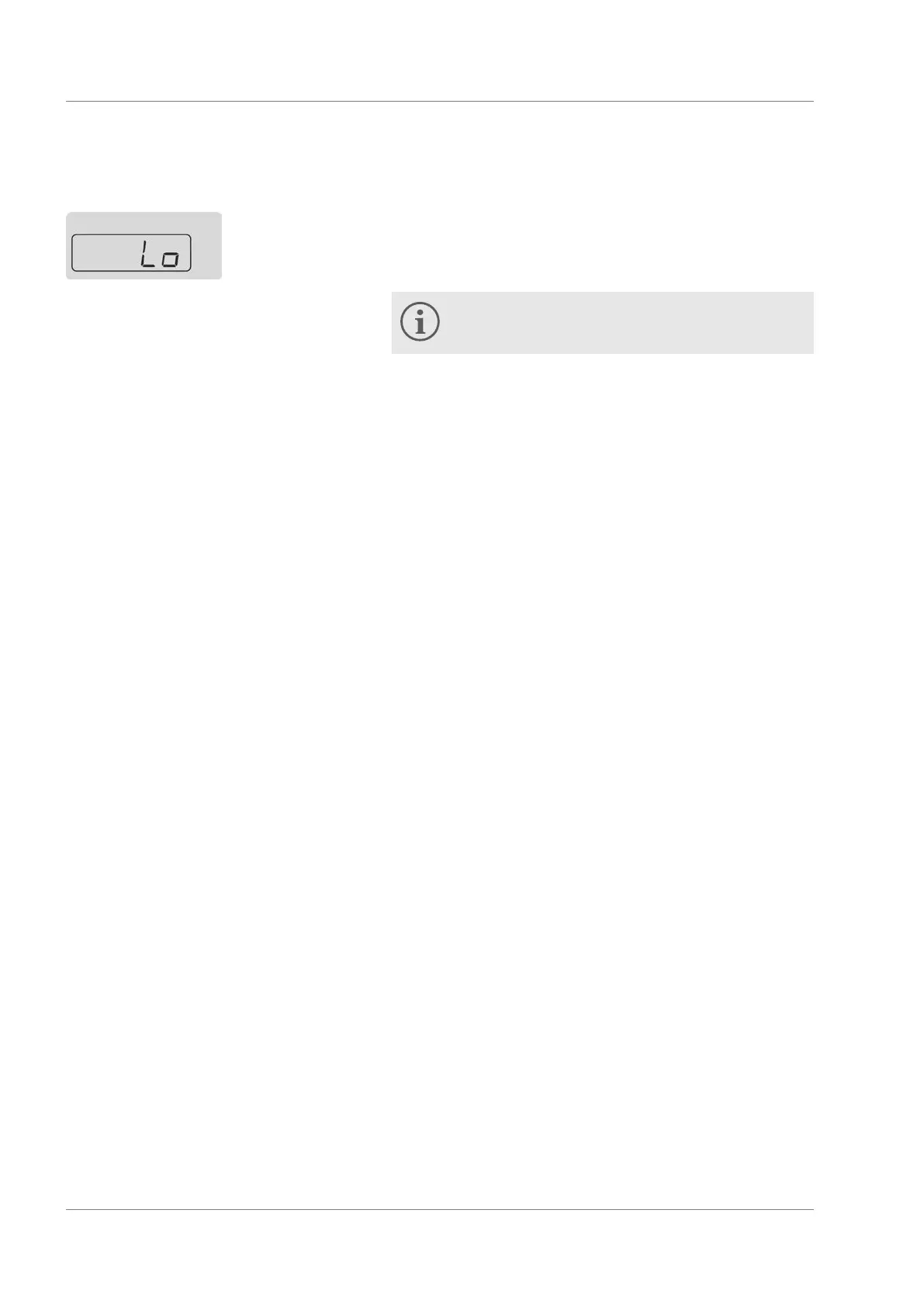
1. Select the menu item for the lower temperature limit value.
2. Confirm with the ENTER button.
3. Specify the lower limit value.
The minimum value of the lower limit is 5 °C when
using Aqua 90 and -15 °C when using Kryo 30.
4. Confirm with the ENTER button.
6.6
Configuring timer
The integrated timer can be used for switching the device on and
off automatically. The timer can be viewed and configured during
normal operation of the device.
The timer is configured using a number of hours and minutes in
the format hh.mm. The first two digits represent the number of
hours and the last two are the minutes. The timer can be set to
a maximum of 99 hours and 59 minutes.
The timer is only active while the machine is switched on. If the
machine is switched off using the mains power switch during
the running time of the timer, the timer is reset.
If Auto-Shut-Down of the timer is active, the current actual tem-
perature on the display is shown with a flashing decimal point.
If Auto-Shut-Down is invoked using the corresponding menu
item, the remaining time, for example 05.30 , is shown flashing.
If Auto-Shut-Down is deactivated, 00.00 is shown flashing.
Once the time for Auto-Shut-Down has elapsed, the device is
not switched off completely but switched to standby. Standby
means all components of the device are switched off and only
the display of the device is still supplied with power.
If Auto-Start of the timer is configured, the device switches to
standby and Auto-Start is active immediately. If any Auto-Shut-
Down is active, the Auto-Start is not active until after comple-
tion of the Auto-Shut-Down.
If Auto-Start is active, the remaining time until the automatic
start is shown on the display. An audible signal is also output
during the complete last minute before starting the device.
Lower temperature limit value
Fig. 16: Lower limit
Special features of the timer
Functions for automatic switching
off - Auto-Shut-Down
Functions for automatic switching
on - Auto-Start
Operation
Microcool 42



 To Next Page