LAUNCH X-431 PRO3 V4.0 User Manual
58
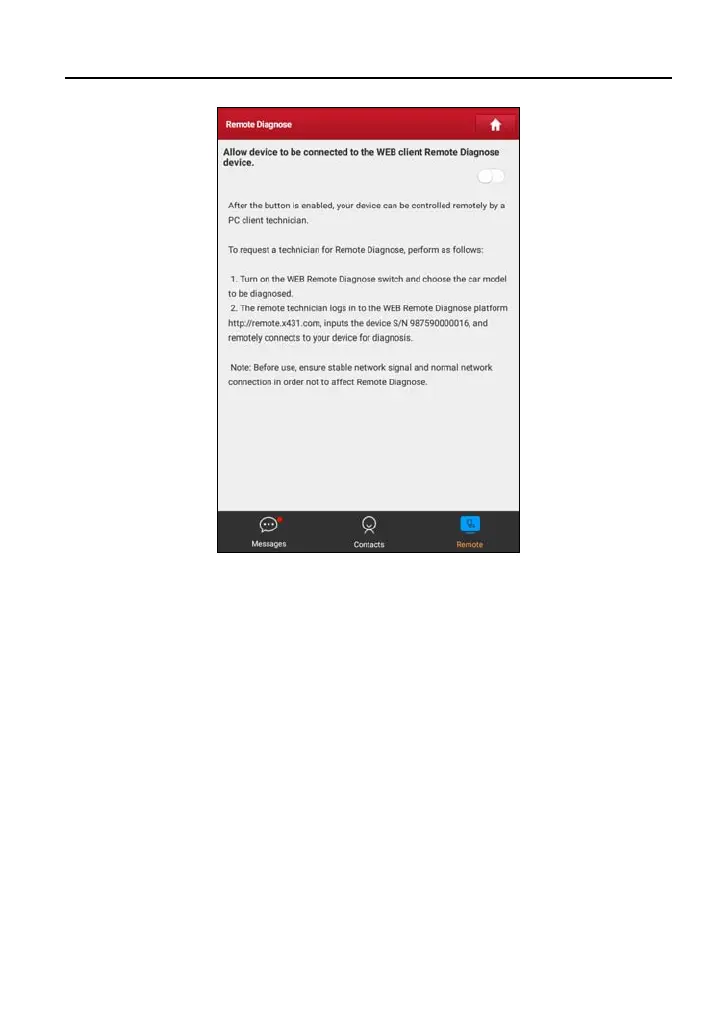
1. Slide the switch “Allow device to be connected to the WEB client remote
diagnostic device” to ON so that the partner can find and connect to this
device while using the PC.
2. Notify the partner of the PC client website http://remote.x431.com. When the
partner accesses the link, the PC displays as below:
*Note: Before processing remote diagnosis, please make sure the tool is properly
connected to the vehicle.



 To Next Page