LAUNCH X-431 PRO3 V4.0 User Manual
59
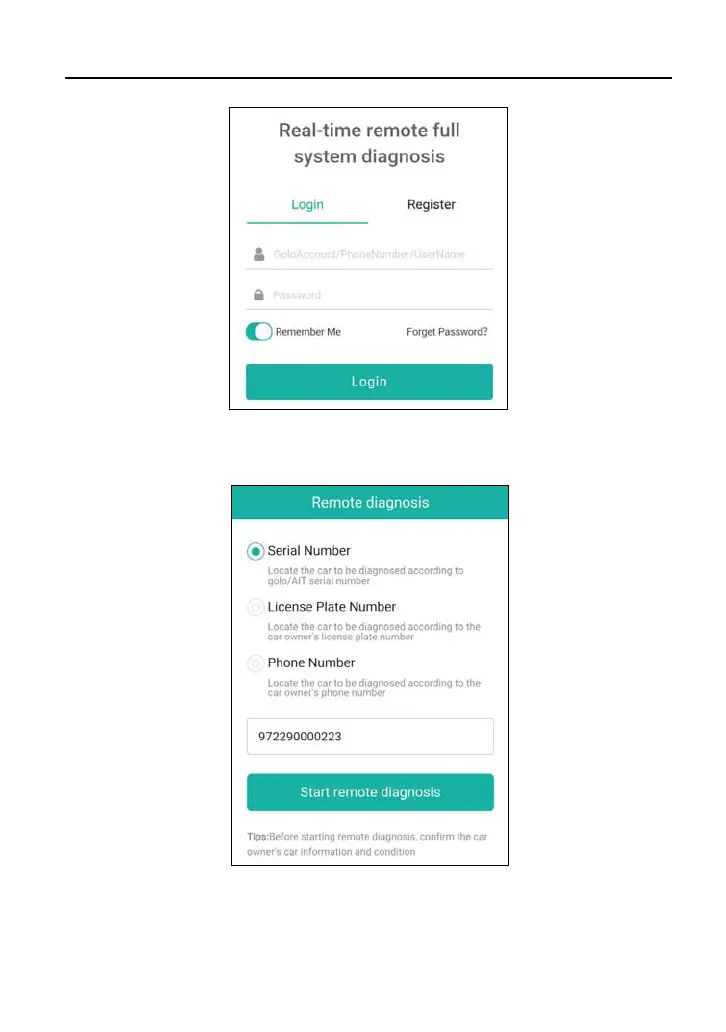
3. Tell the partner to input his own official technician account and password, and
then tap “Login” to navigate to the following figure.
4. Tell the partner to check the box “Serial number” and enter the Serial Number
provided by you, and then tap “Start remote diagnosis” to control your device
remotely.



 To Next Page