1
LAUNCH
X-PROG
3
EN
1 About this Manual
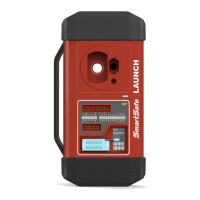
This manual introduces the basic information of X-PROG
3
and instruction on
the product usage. X-PROG
3
, the next generation of X-PROG1, is a powerful
anti-theft solution and an ideal choice for professional repair shops and vehicle
maintenance businesses. It has achieved vehicle key, Engine and gear box
programming, featuring powerful multiple parts reprogramming and wide range
of vehicle coverage.
1.1 Target Reader
This document is intended for vehicle owners or repair technicians to perform
various diagnostic procedures using X-PROG
3
; it assumes a basic knowledge
of vehicles.
1.2 Typographic Conventions
The typographic elements that may be found in the document are dened in
the following table:
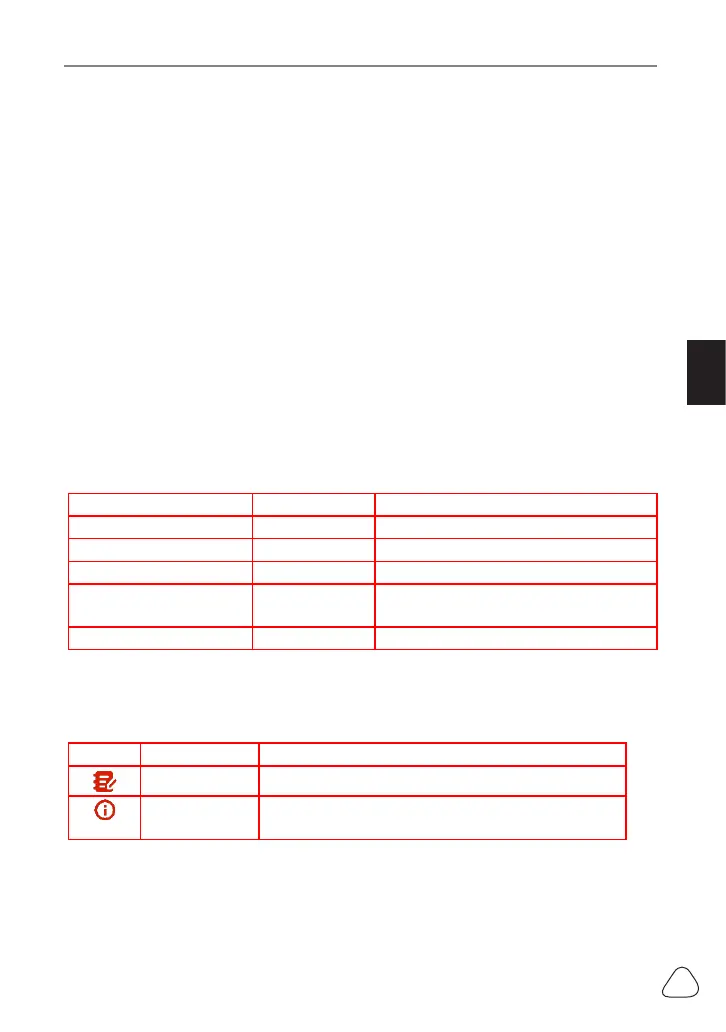
Item Presentation Example
Cascading Menus ->
X431
->
Local Diagnosis
Parameter/value
Bold
Silde the WLAN switch to “
ON
”.
Variable/unfamiliar term
Italic
Visit us by
http://cnlaunch.com.
UI control
Bold
On the
Health Check
screen, tap
Enter
.
Message “” The “success” message appears.
1.3 Symbols
Following symbols are used in this document:
Symbol Denition Usage
Note Widely used for any supplementary information.
Tip Refers to easily overlooked tricks that is
necessary for a better user experience.
www.diagtools.eu, Pernavas 43A, Riga, Latvia, LV-1009, +37129416069, info@diagtools.eu


 To Next Page